Crafting the Perfect Fax Cover Page Template PDF
A fax cover page template PDF is more than just a formality; it's the professional handshake that introduces your document, making sure it gets to the right person, right away. It provides all the crucial details at a glance—who it's from, who it's for, and what it's about.
Why Your Fax Cover Page Still Commands Attention
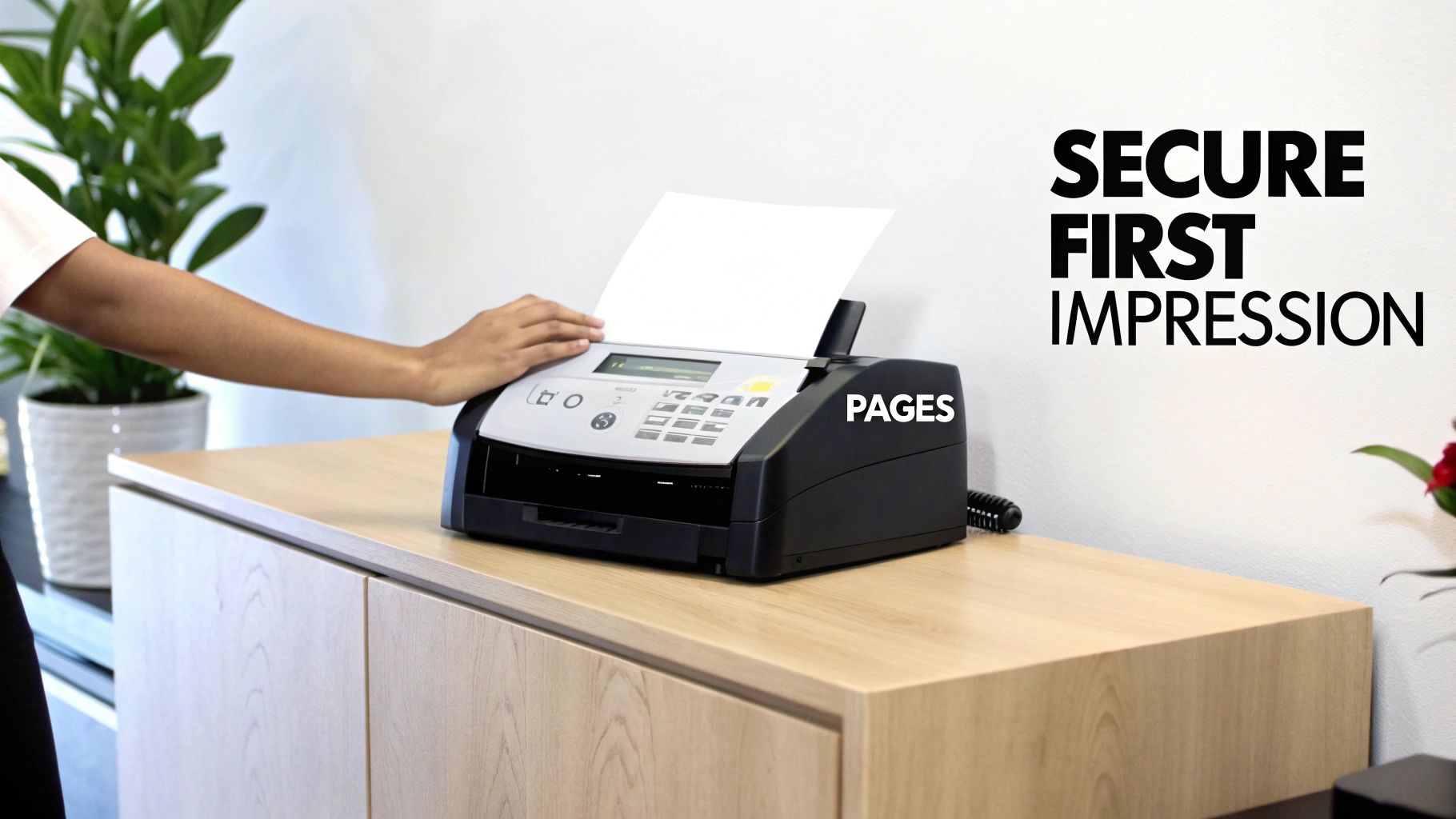
It’s easy to think of faxing as a technology of the past, especially with email and messaging apps at our fingertips. But in critical industries like healthcare, law, and finance, faxing is still a daily workhorse. It’s not about nostalgia; it’s about a long-standing reputation for security and reliability that digital methods sometimes can't match.
The numbers don't lie. Back in 2017, the U.S. alone sent and received a staggering 200 billion fax pages. That breaks down to roughly 6,000 pages every second. With that kind of volume, it's clear why having a standardized fax cover page template PDF isn't just helpful—it's essential.
More Than Just a Formality
A sharp, professional cover page does some serious heavy lifting. It’s the gatekeeper for your sensitive documents, serving a few vital roles that keep your communication smooth and secure.
- Ensures Correct Delivery: In a busy office, a fax can easily land on the wrong desk. The cover page clearly names the recipient, so your confidential information doesn't get sidetracked.
- Provides Essential Context: Details like page count, sender info, and a subject line give the recipient a quick rundown of what they're looking at and why it's important.
- Projects Professionalism: A clean, well-organized cover sheet sends a powerful message. It shows you’re serious, credible, and pay attention to the details.
- Supports Compliance: For anyone in healthcare, a cover page with a HIPAA confidentiality notice isn't just a good idea—it's a critical piece of the compliance puzzle.
The First Line of Defense
Think of the cover page as your first defense against miscommunication and potential data breaches. It provides every detail needed to ensure the document is handled properly from the moment it comes out of the machine. The sender's and recipient's information, especially the specific what is a fax number, is key for verification.
A well-designed cover sheet sets the tone, conveys importance, and ensures the subsequent pages are given the attention they deserve. It prevents small oversights from turning into significant problems.
Without that first page, your document is just a stack of papers that could get lost, misfiled, or completely ignored. By taking a few seconds to include a comprehensive cover sheet, you establish a clear and professional line of communication, protecting your transmission from start to finish.
What Makes a Great Fax Cover Sheet?

A well-designed fax cover sheet does more than just announce your document's arrival. It's the first impression, setting the tone for the entire communication. Think of it as the professional handshake before the conversation begins; it provides all the critical details at a glance, preventing confusion and ensuring your document gets to the right person, right away.
When you nail the cover sheet, you eliminate the guesswork for the person on the other end. This is especially important in regulated fields like healthcare or legal services, where a misdirected fax can cause major headaches. Let’s break down exactly what components transform a basic page into a truly effective communication tool.
Essential Components of a Fax Cover Page
Here’s a quick reference for the key fields that every professional cover sheet should include. Getting these right is fundamental to clear, compliant, and successful faxing.
| Component | Purpose | Best Practice Tip |
|---|---|---|
| Sender & Recipient Info | Clearly identifies who sent the fax and who it's for, ensuring it reaches the correct desk. | Include full names, company, direct fax numbers, and a phone number for quick follow-up. |
| Date of Transmission | Provides an official timestamp for the communication, which is crucial for record-keeping. | Always use the current date to avoid any confusion about when the document was sent. |
| Total Page Count | Confirms that the entire transmission was received successfully without missing pages. | State the total number, including the cover sheet. Example: "5 pages (including cover)." |
| Subject Line | Gives the recipient immediate context about the fax's contents before they even read it. | Be specific. "Signed Contract for Project Phoenix" is much better than a generic "Contract." |
| Confidentiality Notice | A legal disclaimer that protects sensitive information if the fax is seen by an unintended party. | This is non-negotiable for medical, legal, or financial documents. Always include it. |
| Comments/Message | Allows you to add a brief, custom note to guide the recipient's next steps. | Use it for clear instructions like, "Please review and sign page 3 by EOD." |
These components work together to create a cover sheet that's not just informative but also professional and secure.
The Absolute Must-Haves
Every single fax you send needs a core set of information. These are the non-negotiables that ensure your document travels from point A to point B without a hitch.
- Sender & Recipient Details: At a minimum, you need the full name, company name, and direct fax and phone numbers for both yourself and the recipient. This is your first line of defense against the fax getting lost on a shared machine.
- Date: This is your official timestamp. For anything involving contracts, deadlines, or medical records, the date is a critical piece of the paper trail.
- Total Page Count: This is a simple but powerful detail. Stating "7 pages total (including this cover)" lets the recipient know immediately if a page failed to transmit. It's a built-in error check.
- A Clear Subject Line: Just like an email, a descriptive subject gives immediate context. It helps the recipient prioritize and understand the fax's purpose instantly.
Smart Additions for Clarity and Security
Once you've covered the basics, a few extra fields can elevate your fax cover page template PDF from good to great. These elements provide crucial context and can protect you legally.
In fields like healthcare or law, a confidentiality notice isn't just a "nice-to-have"—it's often a legal and ethical requirement. Skipping it can be a serious professional misstep.
Consider including these strategic elements:
- Confidentiality Notice: This is your legal safeguard. A simple, standardized paragraph instructing unintended recipients to destroy the document is essential when dealing with any sensitive or private information.
- Comments or Message Section: This small space is incredibly useful for providing specific instructions. You can guide your recipient's attention directly where it's needed, like "John, please see the highlighted figures on page 4."
- Action-Required Checkboxes: I'm a big fan of these. Simple checkboxes for things like "For Your Review," "Please Reply," or "Urgent" are a fantastic visual cue. They let the recipient triage your fax at a glance, without having to read through everything first.
Finding and Customizing Your PDF Template
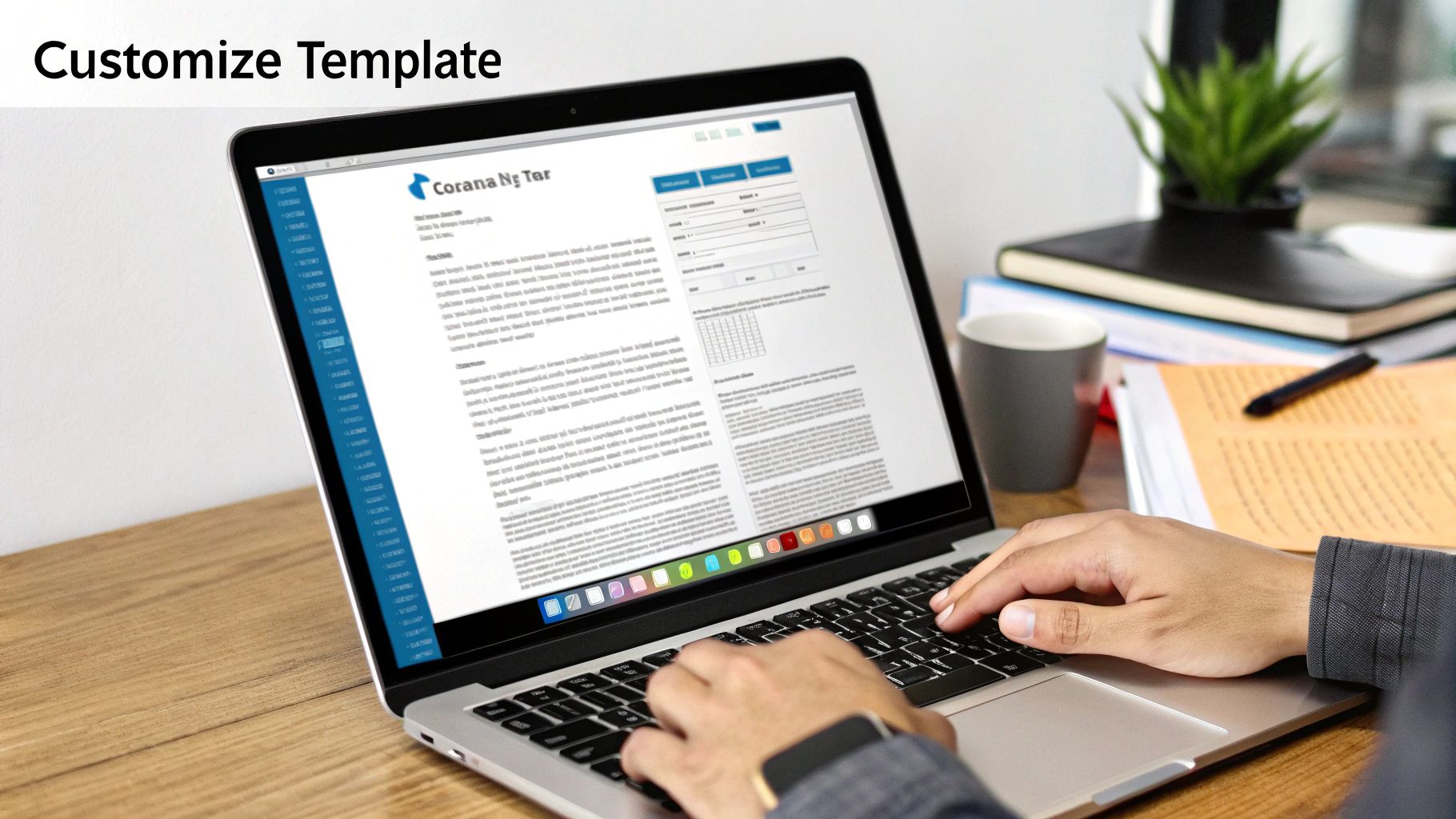
A quick search for a fax cover page template PDF will give you countless options, but they're not all built the same. The real goal isn't just to find a template; it's to find the right one that you can turn into a professional, reusable tool for your business. This one-time setup saves you from having to start from scratch every single time you send a document.
When you're looking, go for templates with clean, professional layouts and clearly marked fields. I'd steer clear of anything too decorative or busy—it just distracts from the important information. The best templates are always straightforward, easy to read, and, most importantly, editable.
Key Features of a Great Template
Before you hit "download," take a moment to see if the template has the right bones. A solid template will make the whole customization process much smoother.
Here's what I always look for:
- Fillable Fields: The PDF should have interactive fields you can type into with a standard reader. It looks far more professional than a handwritten cover sheet.
- Clean Layout: Look for plenty of white space and a logical flow. The recipient should be able to find what they need in seconds.
- Space for Branding: Is there a spot at the top for your logo? A template without a dedicated header area can be a pain to customize later.
A well-chosen template is more than a document; it's the starting point for an efficient workflow. Taking a minute to find the right one saves you hours of frustration down the road.
Customizing Your Template for a Professional Look
Once you've got a good template, it's time to make it yours. This is where you establish a consistent, professional look that reinforces your brand with every fax you send. The idea is to create a master version that you can save and use over and over.
First things first, pre-fill all of your own information. That means your name, company name, address, and your fax and phone numbers. With that out of the way, you’ll only have to add the recipient's details and a quick message for each new fax.
Next, add your company logo. Most free PDF editors—even the basic Adobe Acrobat Reader or other online tools—have a function to "add an image." I always place the logo in the header for a polished, official look. It’s a small detail that makes a huge difference in perception.
Tools for Editing and Customization
You don't need to shell out for expensive software to edit a fax cover page template PDF. There are plenty of free and easy-to-use tools that work perfectly.
| Tool Type | Best For | Example |
|---|---|---|
| PDF Readers | Filling in text fields on existing forms. | Adobe Acrobat Reader |
| Online PDF Editors | Adding logos, changing text, and making structural edits. | Smallpdf, iLovePDF |
| Word Processors | Complete redesign and layout changes (import/export). | Google Docs, Microsoft Word |
Using these tools, you can build a custom master template that’s ready to go at a moment's notice. Having this prepared is a lifesaver when you need to send something quickly. Of course, the next step is to integrate it into a modern workflow. Learning how to send a fax online allows you to attach your custom PDF directly, closing the loop on a truly efficient process.
Tailoring Your Message for Different Industries
Your fax cover page template PDF isn't just a formality; it's the first thing your recipient sees. The message you send to a hospital is worlds away from one you’d send to a creative agency. Customizing your language for the recipient's industry is more than a nice touch—it shows you’re a professional and helps ensure your document gets handled correctly.
Think about it. A single word can change everything. Labeling something "Urgent" might work for an internal memo, but for a legal filing, "Time-Sensitive Legal Document" carries the specific weight it needs. This kind of targeted language helps your fax cut through the clutter and get prioritized the moment it lands on the machine.
Medical and Healthcare Settings
In healthcare, nothing is more important than confidentiality. When you're faxing anything with patient information, it absolutely must comply with HIPAA regulations. Your cover sheet is your first line of defense.
The confidentiality notice is non-negotiable, and it needs to be crystal clear.
Here’s a great example of a HIPAA-compliant disclaimer you can use:
CONFIDENTIALITY NOTICE: This facsimile contains confidential information, including protected health information (PHI), intended only for the use of the individual or entity named above. If the reader of this message is not the intended recipient, you are hereby notified that any dissemination, distribution, or copying of this communication is strictly prohibited. If you have received this communication in error, please immediately notify the sender by telephone and destroy the original message.
On top of that, always be as specific as possible in your subject line. "Patient Referral for Dr. Smith" is a lot more helpful and professional than a generic "Referral."
Legal and Financial Documents
When you're dealing with legal and financial industries, the name of the game is urgency, security, and creating a solid paper trail. The language you use should be formal and reflect the serious nature of the documents inside. Vague descriptions just create ambiguity, which is the last thing you want when contracts or financial data are on the line.
Here are a few phrases I’ve seen work well:
-
Subject Line Examples:
- "Executed Signature Pages for Acme Corp Agreement"
- "Urgent: Wire Transfer Authorization Request"
- "Client Discovery Documents – Case #782-B"
-
Comments Section Language:
- "Please process immediately and confirm receipt."
- "Attached are the time-sensitive documents for closing."
Making these small adjustments ensures your fax is treated with the right level of importance and gets routed to the correct person without any frustrating delays. A well-worded fax cover page template PDF is a surprisingly powerful tool for clear, professional communication, no matter the industry.
Using Your PDF Template with Online Fax Services
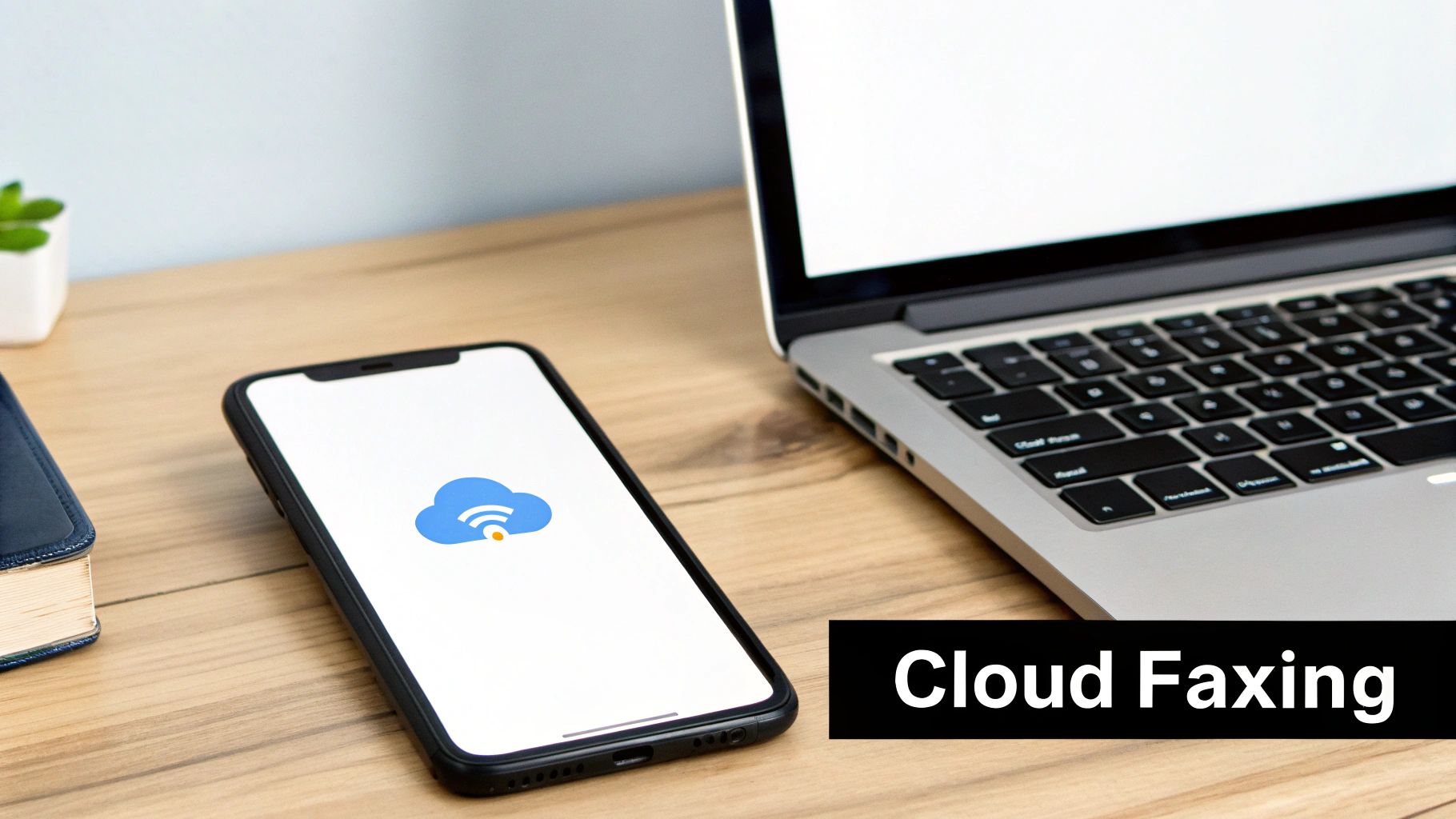
The days of standing over a clunky, paper-jamming fax machine are pretty much over. Modern faxing has moved into the cloud, which makes sending documents way more convenient and efficient. And the best part? Your custom fax cover page template PDF slides right into this new digital workflow.
Most of the time, getting your custom cover sheet into the mix is as simple as uploading a file. When you're using an online fax service, you're not feeding paper into a machine—you're just selecting documents from your computer or phone. To add your personalized cover page, you simply choose it as the very first file to upload. The service then wraps it all together with your main document, sending it as a single, professional package.
Gaining Control Over Your First Impression
Sure, almost every online fax platform gives you a generic cover page to use. But creating and using your own gives you a real edge. It's all about maintaining consistent branding and controlling exactly what your recipient sees first. This is a subtle but powerful way to look professional and make sure critical details, like a specific HIPAA disclaimer or legal notice, are front and center.
Think about it: a generic cover page might be missing fields you need or, worse, be covered in the fax service's own branding. By uploading your own pre-made PDF, you just bypass all those problems.
Your custom cover page becomes the digital equivalent of using official company letterhead. It’s a small step that reinforces your brand’s credibility and attention to detail in every communication.
This level of control is a big reason the global fax services market is still growing, with experts projecting it to hit USD 4.47 billion by 2030. As more companies make the switch to cloud-based solutions, the ability to customize things like your fax cover page template PDF becomes more important than ever. You can read more about the fax services market growth on Arizton.com.
Seamless Integration with SendItFax
Using your template with a service like SendItFax is about as easy as it gets. The platform is built to handle PDF uploads, so your custom cover sheet will work without a hitch.
Here’s how straightforward the process is:
- First, get your documents ready. Make sure your finalized cover page and your main document are both saved as separate PDF files on your device.
- In the SendItFax interface, upload your custom cover page PDF first.
- Right after that, upload the primary document you're sending.
- Finally, just punch in the recipient’s details and hit send. The service automatically merges the files, making sure your custom cover page is right on top.
This approach gives you the best of both worlds—the sheer convenience of online faxing paired with the professional polish of a branded, custom-made cover sheet.
If you happen to be shopping around for different platforms, our online fax services comparison is a great resource to help you find the right one for you. One quick note for those on the free SendItFax plan: the service’s branding will still appear on the transmission, but your professional layout and all your custom information will be perfectly preserved.
Got Questions About Fax Cover Pages? We've Got Answers.
When it comes to using a fax cover page template PDF, a few questions pop up time and time again. Getting these details right from the start can save you a ton of hassle down the road. Let's clear up some of the most common queries we hear from users.
Think of this as your go-to guide for those practical, day-to-day concerns. We want you to feel completely confident every time you send a fax.
How Can I Edit a PDF Fax Cover Page for Free?
You absolutely can, and it's probably easier than you think. Most of the templates you'll find online are designed as fillable PDF forms. This means you can open them with free, standard software like Adobe Acrobat Reader, type right into the fields, save your work, and you're good to go.
But what if you want to make bigger changes, like adding your company logo or rearranging the layout? For that, a free online PDF editor is your best bet. Another great trick I've used in a pinch is to just import the PDF into Google Docs or Microsoft Word. You can make all the edits you need and then simply export the file as a fresh, new PDF.
Does the Cover Page Count as Page One?
Yes, it always does. The cover page is the very first page of your fax transmission, no exceptions. That’s why it's so important to include it in the total page count you list on the sheet itself. For example, you’d write "Page 1 of 5" if you have the cover sheet plus four other pages.
This small step is more important than it looks. It gives the person on the other end an immediate way to check if they received the entire document. It's a simple, built-in failsafe against pages getting lost in transmission.
Is a Fax Cover Sheet Legally Required?
This is a great question. While there isn't a universal law that says you must use a cover sheet for every fax, it becomes a critical security tool in many regulated fields.
Take healthcare in the U.S., for instance. Sending a fax with a proper confidentiality notice is a key part of staying compliant with HIPAA and protecting sensitive patient data. For legal professionals, it helps maintain attorney-client privilege.
Even if you're not in a regulated industry, using a cover sheet is just smart business. It’s a simple, effective way to protect your information and make sure your documents land in the right hands and are treated with the right level of care.
Ready to send your documents with a professional touch? With SendItFax, you can easily upload your custom cover page and documents for fast, secure delivery. Send your first fax in minutes at senditfax.com.
Related Posts
Protecting Sensitive Information: A Practical Guide
Online Fax Service Pay Per Use: Your 2026 Guide