How to Send Internet Fax: A Modern Guide
Sending an internet fax is surprisingly straightforward. Think of it like sending an email, but with the rock-solid security and legal weight of a traditional fax. You just upload your digital document to a service like SendItFax, type in the recipient's fax number, and hit send. That's it. You can do it from your computer, tablet, or phone—anything with an internet connection.
Why Internet Faxing Still Matters
It's tempting to write off faxing as a relic, but for a lot of critical industries, it's still the gold standard for secure communication. The "why" is simple: security and legal validity. When you send an email, that message can get intercepted, changed, or just buried in a spam filter. Internet faxing, however, creates a secure point-to-point connection that's incredibly tough to crack.
This level of reliability is exactly why certain professions count on it every single day. For anyone working in healthcare, law, or finance, protecting data isn't just a good idea—it's a legal requirement.
The Driving Force of Security and Compliance
Laws like the Health Insurance Portability and Accountability Act (HIPAA) have very strict rules about handling sensitive patient data. A standard email just doesn't cut it. An internet fax, with its built-in security protocols, gives you a compliant way to send documents that absolutely have to stay private.
Let's look at a few real-world examples:
- Healthcare: A doctor’s office needs to get a patient’s chart over to a specialist. Using an encrypted internet fax service keeps that information confidential and compliant with HIPAA.
- Legal: A law firm has to send a signed, time-sensitive contract. A fax doesn't just send the document; it gives them a verifiable receipt showing exactly when it was transmitted, which is invaluable for legal records.
- Finance: A mortgage broker is handling loan applications filled with personal financial details. Internet faxing provides a secure pipeline that guards against data breaches.
In all these situations, the need for a secure, trackable delivery makes internet faxing the clear winner. You can dig deeper into these important distinctions by exploring how fax security compares to email.
The staying power of faxing isn't just anecdotal. The online fax service market is projected to jump from USD 3.16 billion in 2026 to an impressive USD 7.22 billion by 2035. This boom is largely fueled by adoption in North America, where regulations like HIPAA are a major factor.
Services like SendItFax connect that old-school need for security with the convenience we expect today. You get to send a secure, compliant fax right from your web browser, no bulky machine required.
Getting Your Documents Ready for a Perfect Send
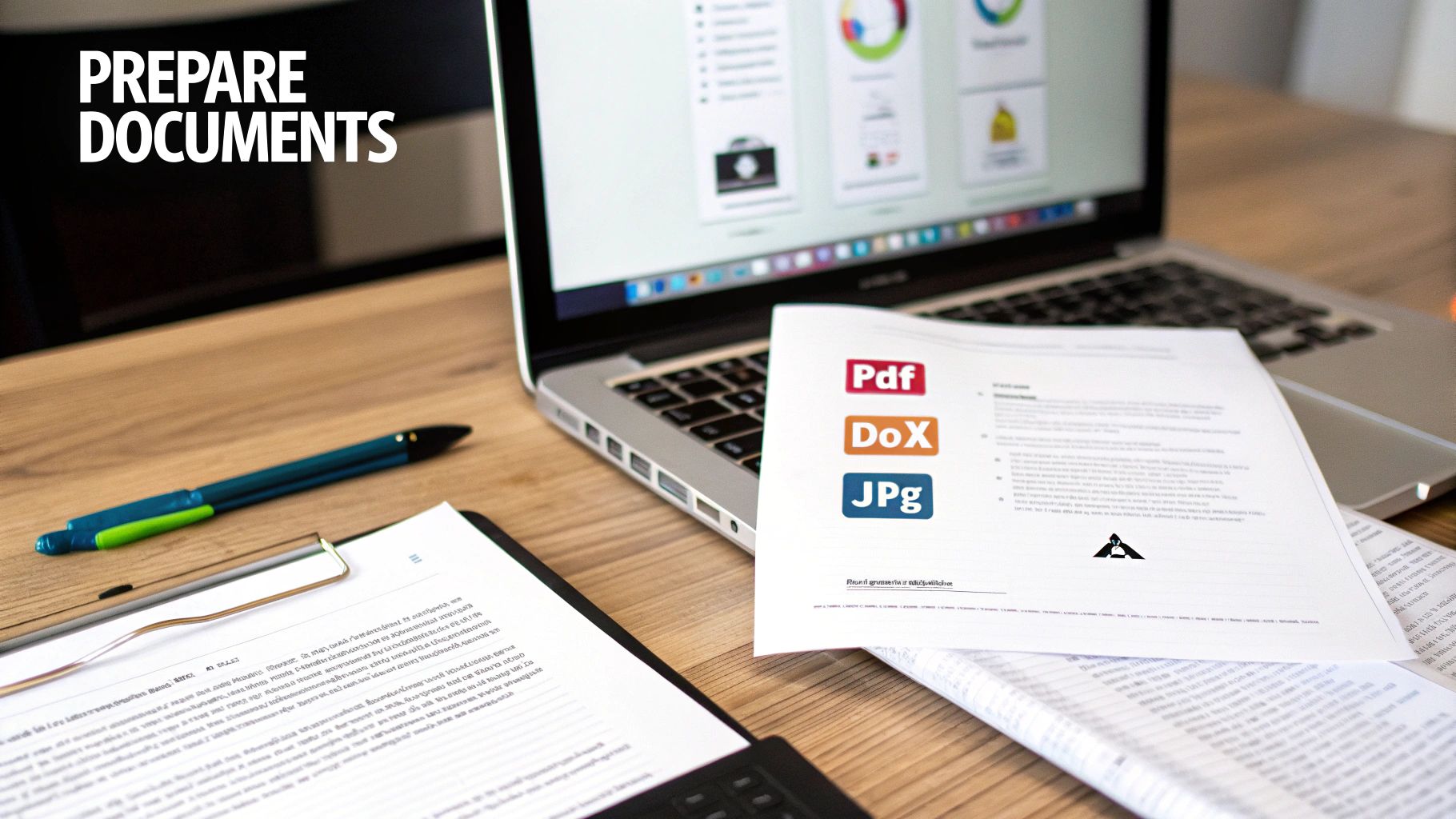
Before you hit send on that fax, the first and most critical step is getting your document ready for the trip. A little prep work goes a long way, and it’s what separates a smooth, successful transmission from a frustrating "failed" notification.
The good news? It’s pretty straightforward. The key is to stick with file formats that are universally accepted and play nicely with fax technology. Think of them as the tried-and-true workhorses of the document world.
- PDF (Portable Document Format): This is the undisputed champion of faxing. A PDF is fantastic because it locks in your formatting, so what you see on your screen is exactly what prints out on the other end. No surprises.
- DOCX (Microsoft Word): Also a solid choice and widely supported. It’s perfect for documents that are mostly text, like reports or official letters. For something like a final contract, you can learn how to convert a Word document to a PDF to guarantee it looks perfect.
- JPG/JPEG (Image File): Your go-to for sending images. This is what you'll want to use for things like a scanned receipt, a photo of a signed form, or a copy of a driver's license.
Fine-Tuning for a Flawless Fax
Even though we're talking about internet faxing, the technology at its core still converts your document into a black-and-white image. A few small adjustments on your end can make a massive difference in quality and prevent annoying transmission errors.
First off, keep an eye on the file size. While services like SendItFax handle files efficiently, trying to upload a gigantic document can slow everything down. A good rule of thumb is to keep your file under 50MB.
Next, think about clarity. This is especially true if you’re sending something you scanned. Make sure the contrast is high enough so the text is bold and easy to read against the background. Any faint text or shadowy corners on your original can become completely unreadable once it's been faxed.
Pro Tip: If you're sending more than one page, always combine them into a single file. Sending one consolidated PDF is far more professional and reliable than uploading a bunch of separate files and just hoping they arrive in the right order.
Why You Shouldn't Skip the Cover Page
Think of a cover page as your fax's digital handshake. It’s not always required, but it’s a non-negotiable for professional communication, especially if you’re sending something to a busy office with a shared fax machine. It’s your chance to tell the recipient who you are, who the fax is for, and what it’s about.
A good cover page should include the essentials:
- Recipient's Name and Fax Number
- Your Name and Contact Info
- The Date
- Total Page Count (including the cover page itself!)
- A quick, clear subject line (e.g., "Invoice #12345" or "Signed Contract for Project Alpha")
It's the digital equivalent of an envelope. A well-written cover page ensures your important documents get routed directly to the right person instead of getting lost in the shuffle.
Let's Send Your First Fax with SendItFax
Alright, you've got your document prepped and ready to go. Now for the easy part: actually sending it. Forget everything you know about old-school faxing—the screeching modem sounds, the paper jams, the mystery of whether it ever actually arrived. Sending a fax online with a service like SendItFax feels more like sending an email. It’s that simple.
The best part is you don't need to download any special software or jump through hoops signing up for an account just to send one document. Everything you need is right there in your web browser, which means you can send a fax from your office computer, your laptop at a coffee shop, or even your tablet.
Getting Around the Web Interface
When you land on the SendItFax website, you’ll see a clean, simple form. It's designed to be completely intuitive, walking you through exactly what’s needed without any confusing jargon or unnecessary steps.
This is what you'll see—a single, straightforward screen for the whole process.
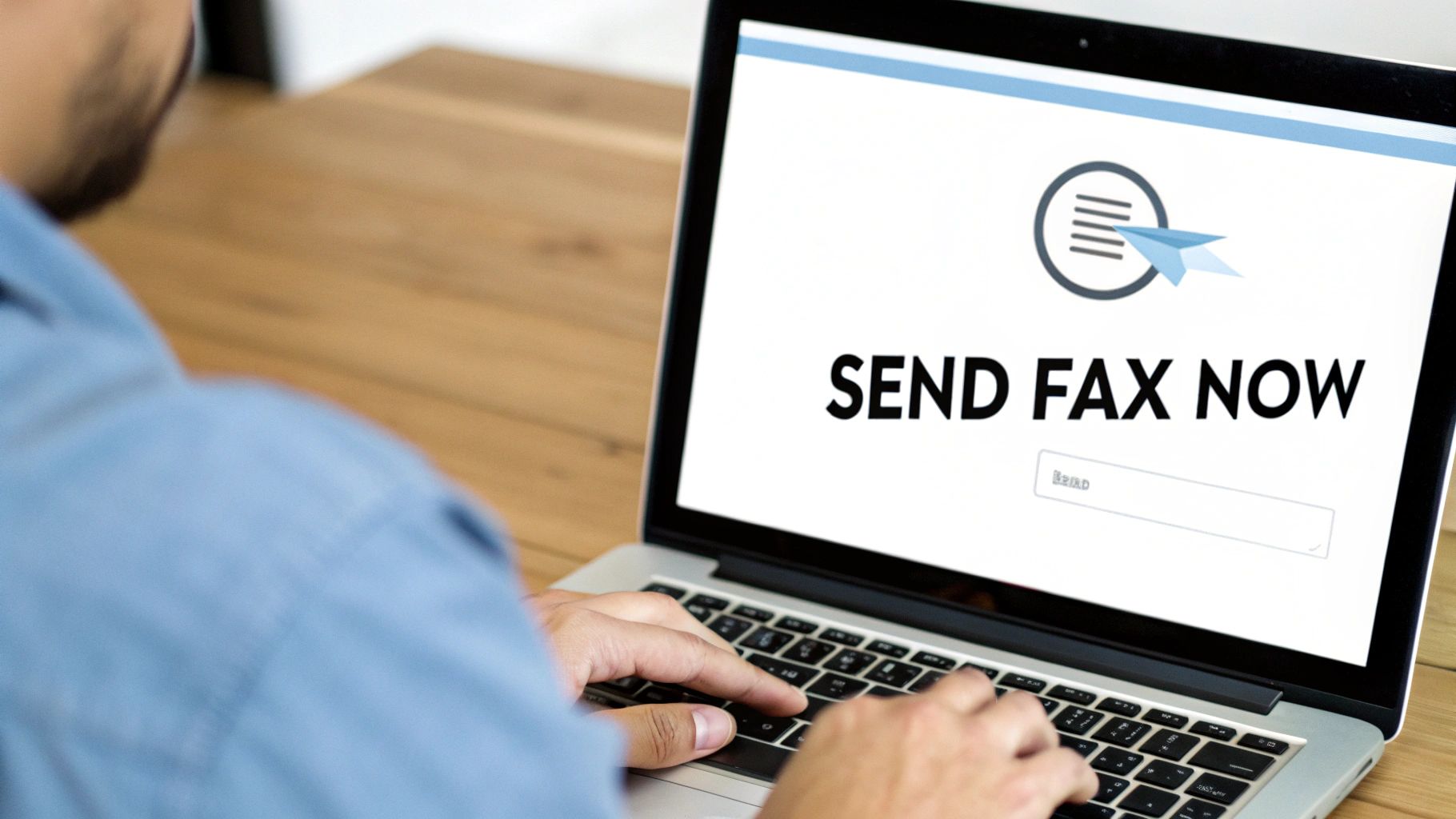
As you can see, all the key pieces are laid out right in front of you: who it's going to, who it's from, the file itself, and the cover page. No clicking through multiple pages.
Let's run through a quick, real-world example. Imagine you're a freelance graphic designer who just needs to get a signed contract over to a new client. It’s a time-sensitive document that needs to be secure. This is the perfect job for a quick online fax.
First things first, you'll fill in your own details. This is non-negotiable, as it tells the recipient exactly who sent the fax and how to get back to you.
- Your Name: So they know who it’s from.
- Your Email Address: This is super important. It’s where your delivery confirmation receipt will be sent.
- Your Phone Number: Good to include in case they need to call you directly.
Next up, the recipient's information. This is where you need to be precise. One wrong digit and your fax ends up in limbo. Take a moment to double-check that you have the correct 10-digit fax number for your client, especially if you're sending within the U.S. or Canada.
Attaching Your File and Adding a Cover Page
Once the contact info is squared away, it’s time to add your document. Look for the "Upload File" button—you can’t miss it. Click that, and just select the PDF of your signed contract from your computer. The platform handles common file types like PDF, DOC, and DOCX, so the file you already prepared will work perfectly.
Now, let's talk about the cover page. For something official like a contract, I always recommend using one. Think of it as the professional envelope for your digital document; it makes sure your fax gets to the right person's desk, especially in a busy office.
You’ll see a text box where you can add a short, clear message. Something simple and direct works best. For our designer example, you might write:
"Hi Jane, here's the signed contract for the Q3 brand identity project. I’m excited to get started! Best, [Your Name]"
This little note provides instant context and just feels more professional.
With everything filled out, just give it all one last look to make sure there are no typos. Ready? Hit that "Send Fax" button. From here, SendItFax handles the technical stuff—it converts your digital file into a signal that a traditional fax machine can read and sends it securely. In a few minutes, you’ll get an email confirmation that it was successfully delivered. That email is your proof, giving you a digital paper trail and total peace of mind.
Choosing the Right Service: Free vs. Paid Faxing
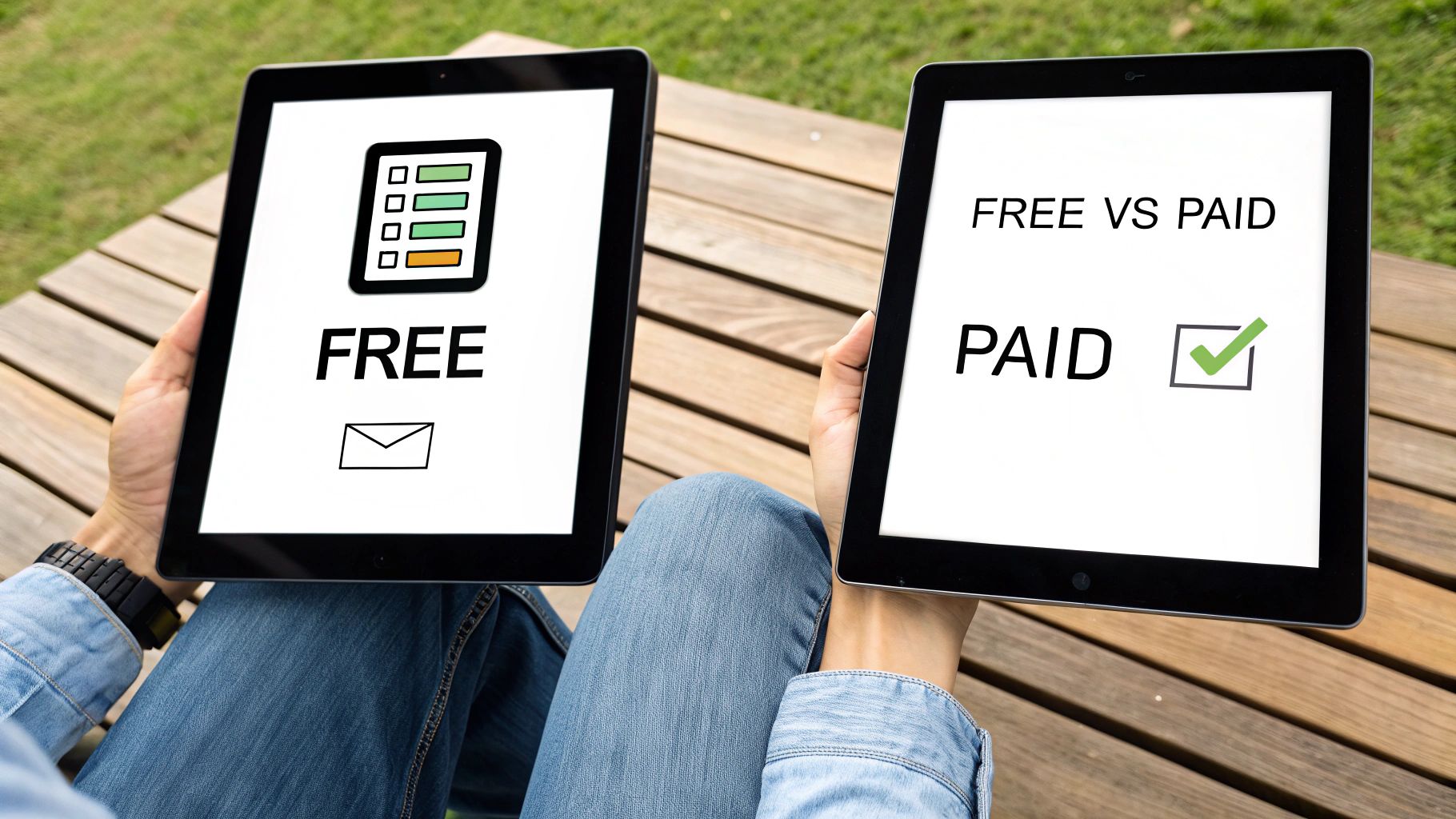
When you need to send a fax online, the first question is usually whether to go with a free or paid service. The truth is, it really just comes down to what you’re sending and who it's for. Not every situation calls for a paid plan. Sometimes, a simple, no-frills option is exactly what you need.
For those one-off tasks, a free service is a perfect fit. Maybe you need to send a signed permission slip to your child’s school or a single-page insurance form. In these cases, you just need a reliable way to get the document from point A to point B without any fuss. The SendItFax free plan was designed for precisely these moments.
When Free Makes Perfect Sense
Our free plan is your best bet for simple, non-urgent, personal documents. The key is knowing what you get, so you can use it effectively. With SendItFax, you can send up to three pages plus a cover page, which is more than enough for most quick tasks.
Here are a few classic examples where a free send is ideal:
- Sending a medical form: Quickly get a signed patient intake form to a new clinic.
- Submitting a receipt: Fax a copy of a receipt for a warranty claim or reimbursement.
- Returning a signed document: Send back a single-page agreement you’ve just signed.
The main trade-off is that the required cover page will include SendItFax branding. For personal stuff, this is rarely an issue. You can see how we stack up against others by checking out our online fax services comparison.
Stepping Up to a Paid Plan
Of course, there are times when presenting a professional image is non-negotiable. If you’re a freelancer sending a multi-page contract to a new client or a small business submitting a proposal, a branded cover page might not project the right image. This is where paying a tiny fee adds a ton of value.
The “Almost Free” plan from SendItFax costs just $1.99 and immediately upgrades your experience. It removes all our branding, bumps the page limit up to 25 pages, and gives your transmission priority delivery status. It’s a small investment that makes sure your important business documents look polished and professional.
You might be surprised to hear that faxing is not only relevant but growing. The market was valued at USD 3.31 billion in 2024 and is expected to hit USD 4.48 billion by 2030. Healthcare alone makes up 42% of this usage, an industry where professionalism and compliance are everything. You can read more about the modern state of business faxing on Business.com.
To make the choice crystal clear, I’ve put together a quick comparison of what you get with each SendItFax option.
SendItFax Plan Comparison: Free vs. Almost Free
This table breaks down the key differences to help you decide which plan is the right tool for your specific job.
| Feature | Free Plan | Almost Free Plan ($1.99) |
|---|---|---|
| Best For | Personal, one-off faxes | Business & multi-page documents |
| Page Limit | 3 pages + cover page | 25 pages + optional cover page |
| Cover Page | SendItFax Branded (Required) | No Branding (Optional) |
| Delivery | Standard | Priority |
At the end of the day, it's all about context. For a quick, personal task, the free plan is fantastic. For anything that represents you or your business, the small cost of a paid send is an easy choice to maintain a professional appearance.
Solving Common Internet Faxing Problems
Let’s be honest, even though sending an internet fax is a breeze, technology can throw a curveball now and then. Seeing a "failed transmission" email pop up is frustrating, especially when you're up against a deadline. But don't worry—most of the time, the fix is surprisingly simple.
More often than not, the problem isn't with the service itself but a tiny detail we missed. The number one culprit I see? A simple typo in the fax number. One wrong digit is all it takes to send your document into limbo. Before you do anything else, go back and carefully double-check that 10-digit number.
Another classic issue is just a busy signal. Remember, unlike email, an old-school fax machine can only do one thing at a time. If someone else is sending a fax to that machine, you'll get a busy signal. Services like SendItFax will automatically retry a few times, but if the line stays busy, the best move is often to just grab a coffee, wait a few minutes, and try sending it again.
Diagnosing Document and Quality Issues
What if the fax sends successfully, but the person on the other end says it looks blurry or totally unreadable? This almost always comes down to the quality of the file you uploaded in the first place. A low-resolution scan or a document with faint text is only going to look worse after it gets converted into a fax.
For a crisp, clean delivery every time, here are a few pro tips:
- Pump Up the Contrast: Before you even think about uploading, crank up the contrast on your document. You want sharp, dark black text against a clean, bright white background.
- Simplify Your Graphics: Faxes are a black-and-white medium. Intricate, colorful charts or super-detailed images just don't translate well. If you can, simplify them. If the detail is critical, it might be better to send that specific graphic as an email attachment.
- Stick to Classic Fonts: This isn't the time for fancy, artistic fonts. Stick with clean, readable standards like Arial or Times New Roman. Thin or overly stylized fonts can easily become distorted and illegible.
A mistake I see all the time is people uploading a smartphone photo of a document taken in a poorly lit room. The shadows and uneven background create a mess that fax machines can't decipher. For best results, always use a scanner app on your phone or, even better, a proper flatbed scanner.
Handling Delayed Confirmations
You’ve hit "send" and you're anxiously waiting for that confirmation email… but it’s nowhere to be found. Before you start to worry, take a quick peek in your spam or junk folder. Automated emails from online services can get accidentally filtered out.
If it's not in spam, just give it a moment. While delivery is typically almost instant, sometimes network traffic can create a small lag. You should usually see a confirmation within 5-10 minutes. If more time has passed and you still have nothing, it might be time to resend—and yes, start by triple-checking that fax number again! Following these simple steps will clear up nearly any internet faxing hiccup you run into.
Still Have Questions About Internet Faxing?
It's one thing to read a guide, but another to feel completely comfortable when you're about to send a sensitive document for the first time. Let's walk through some of the common questions people have when they're making the switch to online faxing.
A huge one I hear all the time is about security. Can sending a document over the internet really be as safe as using a clunky, old-school machine? The answer is a resounding yes. In fact, it's usually much, much safer.
Any service worth its salt uses powerful encryption protocols, like TLS, to scramble your documents during transit. It's like putting your file inside a locked digital briefcase before it hits the network, making it unreadable to anyone who might try to intercept it.
Practical Questions on Everyday Use
Beyond the security aspect, most questions boil down to the day-to-day logistics. Here are a few quick answers to the things people ask most often.
-
Can I send a fax from my phone? You bet. Because services like SendItFax are web-based, you can pull up the site on any browser—whether you're on your laptop, tablet, or smartphone. No app download required.
-
How do I know my fax actually went through? You're not left in the dark. As soon as your fax is successfully delivered, you'll get a detailed confirmation receipt right in your email inbox. This is your proof of delivery, showing the exact time, date, and status.
-
Do I need a fax number just to send something? Nope. You only need the recipient's fax number to send a document out. Platforms like ours handle the transmission, so you don’t need your own number unless you plan on receiving faxes, too.
Why So Many Industries Rely on Online Faxing
This high level of security is precisely why heavily regulated fields have jumped on board. It turns out security and compliance are massive drivers for adoption, with 82% of users citing them as key factors.
Industries like healthcare, which make up a whopping 42% of the market, depend on the high (83%) encryption implementation rate to stay compliant with strict privacy laws like HIPAA. You can dig deeper into the growth of the online fax market to see the trends.
Think about it: a traditional fax might sit out in the open on a shared machine for anyone to grab. An internet fax, on the other hand, lands securely in a designated digital inbox. That end-to-end confidentiality is a game-changer for sensitive information.
Ready to send your first document with total confidence? With SendItFax, you can get it done in minutes, straight from your browser. Give SendItFax a try today and see just how simple secure faxing can be.
Related Posts
How to Fax from Email: A Practical 2026 Guide
Fax from Server: The 2026 Developer’s Guide