How to Send a Fax Online A Modern Professional’s Guide
Sending a fax online is surprisingly straightforward. You just pick a service, upload your document, punch in the recipient's fax number, and hit send. It effectively turns your computer or phone into a fax machine, but without the bulky hardware or the need for a separate phone line.
Why Online Faxing Still Matters in a Digital World
I get it. Faxing sounds like a relic from a bygone era, something you'd find collecting dust next to a Rolodex. But the truth is, in a lot of critical professions, it’s still an essential communication tool. This isn’t about being old-fashioned; it’s about security, legal weight, and compliance.
For anyone working in law, healthcare, or finance, a simple email often isn't enough. These industries are governed by strict regulations like HIPAA, where protecting sensitive client and patient data is a legal mandate, not just a good idea. Online faxing bridges that gap, giving you the trusted security of a traditional fax with the ease of modern tech.
The Enduring Relevance of Fax Technology
Think about a real estate agent on a tight deadline to submit a signed purchase offer. Emailing a document that sensitive opens it up to all sorts of interception risks. Sending it through an online fax service, on the other hand, creates a secure, point-to-point transmission that’s legally recognized and provides a verifiable receipt of delivery.
This combination of old-school security and new-school convenience is precisely why faxing is still around. We're not trying to bring back obsolete tech; we're just applying its strengths in a modern context. The numbers back this up, too. The global fax services market was valued at USD 3.31 billion and is expected to climb to USD 4.48 billion by 2030. That growth is fueled by the roughly 17% of businesses that still rely on faxing for their most important operations. You can discover more insights about the fax market on ResearchAndMarkets.com.
A Practical Solution for Modern Needs
Online faxing solves a few key problems that other digital communication methods can't always handle:
- Legal Admissibility: Faxes are widely accepted as legally binding documents, which is crucial for things like contracts, court filings, and official records.
- Enhanced Security: Unlike email, which is susceptible to hacking and phishing scams, fax transmissions travel over the public switched telephone network (PSTN), a much more secure channel.
- Audit Trails: Good online fax services give you detailed confirmation reports. This creates a clear, auditable trail proving when a document was sent and successfully received.
The real value of learning how to send a fax online is realizing it's a modern skill for secure communication, not an outdated task. It's the digital equivalent of a sealed, hand-delivered envelope for your most important documents.
At the end of the day, knowing how to send a fax from your computer is a genuinely practical skill for anyone who deals with confidential information. It’s a simple way to ensure your documents are sent securely, arrive without being tampered with, and meet the strict compliance standards of many professional fields.
A Practical Walkthrough to Sending Your First Online Fax
Jumping into any new technology can feel a little intimidating, but sending an online fax is surprisingly straightforward. Let's walk through it together. We'll use a popular service like SendItFax as our example, since its workflow is typical of most top-tier platforms.
First things first, you need an account. Most services offer a few different plans, from free tiers for the occasional one-off fax to paid subscriptions for businesses that need more volume and features. Once you're signed up and logged in, you’ll land on the main dashboard.
This is your command center. Just look for a big, obvious button that says something like “Send Fax” or “New Fax” to get started.
Navigating the Sending Interface
Clicking that button will take you to a simple form that should feel a lot like sending an email. This is where you’ll plug in the recipient’s information, attach your files, and add a cover sheet.
The most important field here, without a doubt, is the recipient's fax number. Getting this right is everything.
- Entering the Fax Number: Always include the full number, starting with the area code. For international faxes, you'll need the country code first (e.g., +44 for the UK).
- Adding Multiple Recipients: One of the real perks of online faxing is the ability to send the same document to several numbers at once. It's a massive time-saver for things like company announcements or client updates.
Pro Tip: I can't stress this enough: double-check the fax number. A single wrong digit is the number one reason for a failed fax. It’s a simple check that saves a ton of headaches.
Assembling Your Fax Package
With the number locked in, it’s time to add your documents. Most services handle all the common file types you'd expect—PDF, DOCX, JPG, you name it. You can either drag and drop files from your computer or, even better, pull them directly from cloud storage like Google Drive or Dropbox.
This is a huge part of why people are learning how to send a fax online; it completely cuts out the annoying print-and-scan step.
Next up is the cover page. Don't skip this! It's not just a formality; it’s what tells the recipient who you are and why you're sending them a document.
Nearly every platform provides a simple template. You’ll just fill in a few key details:
- To: Recipient's name and company.
- From: Your name and company.
- Subject: A clear, concise description. Think "Signed Contract – Account #54321" instead of just "Contract."
- Message: A spot for a quick, optional note.
Taking 30 seconds to fill this out properly makes you look professional and ensures your fax gets to the right person quickly. For a deeper look at faxing without the clunky hardware, our guide on how to fax without a fax machine has you covered.
The Final Review and Send
Before you commit, any good service will give you one last confirmation screen. This is your final chance to give everything a once-over.
Your Pre-Flight Checklist:
- Recipient's Number: Is it perfect? Country code included?
- Attached Documents: Are the right files there? Does the page count look correct?
- Cover Page Details: Any typos in the names or subject line?
- Plan Limits: Give a quick thought to how many pages you’re sending. Make sure it fits within your plan to avoid any surprise fees.
Once everything looks good, hit "Send Fax." The service takes it from there—dialing the number, transmitting your files, and then sending you a confirmation notice right to your email or dashboard. And that's it! You've officially sent an online fax.
Getting Your Documents Ready for a Perfect Send
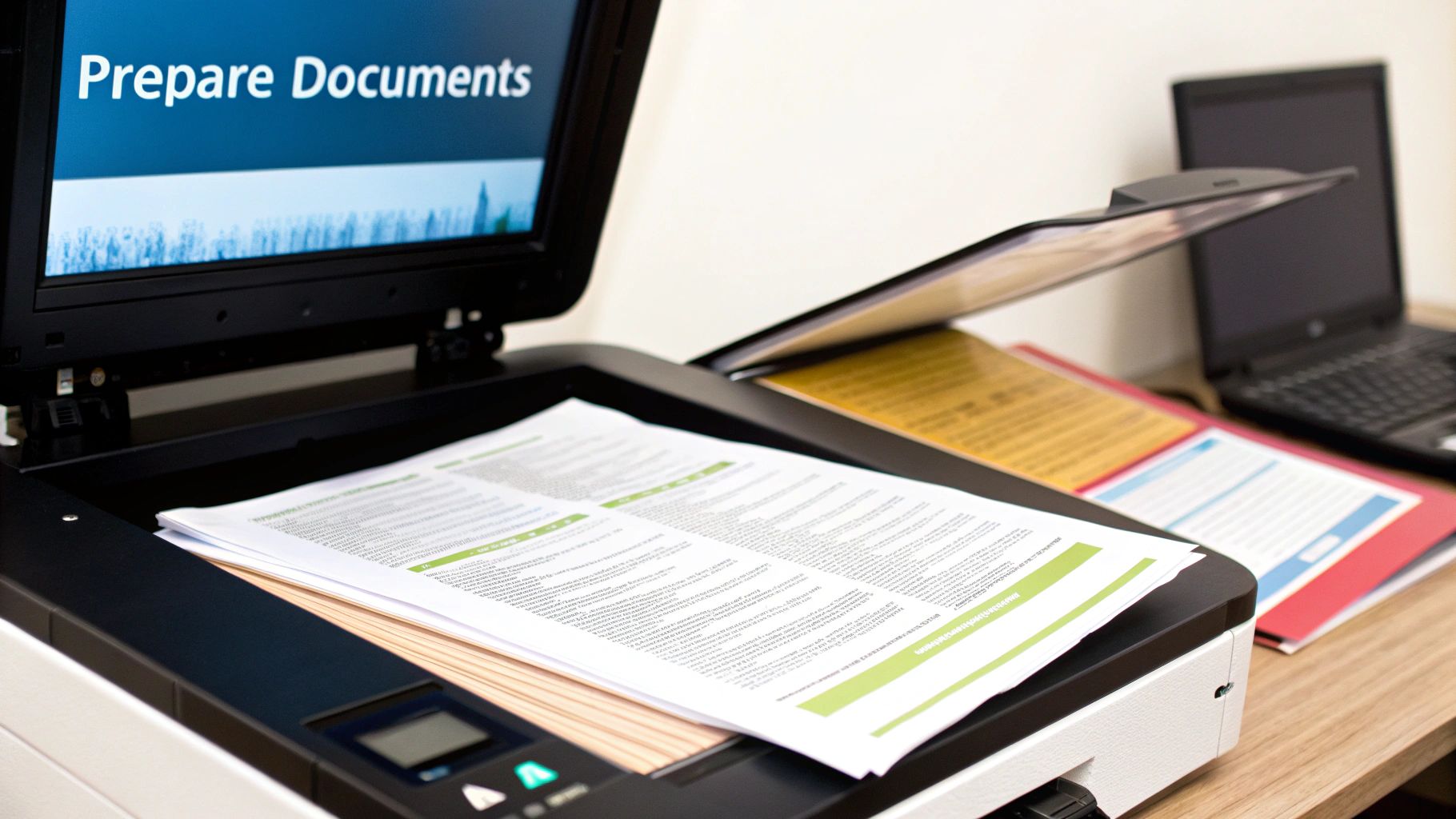
A blurry or unreadable fax can bring a deal to a screeching halt. The secret to a crisp, professional-looking fax on the other end is all in the prep work. What you send is what they get, so a few minutes of setup makes all the difference.
Think of it this way: your digital file is about to be translated into an old-school analog signal and then back again. Garbage in, garbage out. The cleaner your starting file, the better the final result will be.
Choose The Best File Format
When in doubt, go with a PDF. It’s the gold standard for online faxing because it locks in your formatting—fonts, images, and layout stay exactly where you put them. No nasty surprises like a signature line jumping to the next page.
While you can often send a DOCX or JPG file, they can be a bit of a gamble.
- DOCX: A Word file can look different on the receiving end if they don't have the same fonts installed, shifting your carefully crafted layout.
- JPG: Great for a quick photo or a single-page scan, but small text can get fuzzy.
- PNG: Usually offers better quality for graphics than a JPG, but the files can get large.
- TIFF: This is the heavyweight champion for quality, often used in legal and medical fields for its high detail, but the file sizes are massive.
Industry experience shows that using a PDF can cut down on layout-related transmission errors by as much as 75%.
Here’s a quick cheat sheet on why PDF usually comes out on top:
| Format | Pros | Cons |
|---|---|---|
| Layout is locked and reliable | Can be a slightly larger file | |
| DOCX | Easy to edit | Display can be inconsistent |
| JPG | Small file size | Quality loss is common (lossy compression) |
| TIFF | Extremely high detail | Creates very large files |
Optimize Scanned Documents
If you're working with paper, how you scan it is critical. For documents with text, aim for a resolution of 300 dpi. This is the sweet spot for crisp, readable characters without creating a giant file. Going higher, like 600 dpi, is usually overkill and can bog down the transmission.
Before you hit "scan," make sure you crank up the contrast. You want bold, dark text on a clean, white background. This simple tweak makes a huge difference in legibility. If you're using a flatbed scanner, ensure there are no shadows creeping in from the edges.
A few more pro tips for scanning:
- Scan in black-and-white for text-only documents. It keeps file sizes tiny.
- Wipe down the scanner glass to get rid of any dust or smudges.
- Crop out any unnecessary white space or margins.
- Always preview the scan on your full screen to catch any issues.
Compress Without Losing Clarity
Huge files are the enemy of a successful fax. If your document is loaded with high-resolution images, the file size can quickly balloon, leading to failed transmissions. Most online fax services have a file size limit, often around 2 MB.
You can use tools like Adobe Acrobat's optimizer or a free online compressor to shrink your file down. The goal is to make it lean without turning your text into a blurry mess.
Here's how to do it smartly:
- Lower the resolution on images from 300 dpi to 200 dpi—it's usually fine for faxing.
- If you're saving a JPG, reduce the quality setting to around 75%.
- Strip out any unnecessary data like embedded thumbnails or extra color profiles.
A smaller, optimized file can cut your transmission time by up to 40% and helps you avoid frustrating timeouts.
Some fax services automatically compress files when you upload them, which is handy. Just be sure to double-check their settings to ensure your images don't get too compressed and lose important detail.
Your Final Pre-Flight Checklist
Before you hit that "send" button, run through this quick final check. It's saved me from countless headaches.
- File Format: Is it a PDF? If not, are you confident the chosen format will work?
- Page Count: Does the total number of pages fit within your plan's limits?
- Readability: Is the text clear and the contrast sharp on every single page?
- Cover Page: Are all the names, numbers, and details correct?
- Final Preview: Give it one last look in the fax service's preview window.
I once heard from a real estate agent who nearly lost a same-day closing because he skipped the readability check. The signed contract he scanned arrived as a faint, illegible smudge. A five-second check could have saved him hours of stress. Taking a moment to prepare your files properly ensures they arrive looking professional, clear, and ready for action.
How to Choose the Right Online Fax Service
https://www.youtube.com/embed/tw6LzYHD9z4
With so many online fax providers popping up, picking the right one can feel a bit overwhelming. The good news? The best choice really just boils down to your specific situation. By thinking through how often you fax, what you're sending, and your budget, you can quickly find the perfect fit.
The first big question to answer is how you want to pay. Pretty much every service falls into one of two buckets: a monthly subscription or a simple pay-as-you-go model. Neither one is inherently better, but one will almost certainly make more sense for you.
Online Fax Service Models Compared
To figure out which model is right for you, it helps to see them side-by-side. Think about your faxing habits over the last year—were they consistent or just a one-off thing? This table breaks down the main differences.
| Feature | Subscription-Based Plans | Pay-Per-Use Services |
|---|---|---|
| Best For | Businesses and individuals who fax regularly (e.g., several times a month). | People who only need to send a fax occasionally (e.g., a few times per year). |
| Cost Structure | A flat monthly fee for a set number of pages. | Pay for each fax you send, with no recurring charges. |
| Cost-Per-Page | Typically very low, making it economical for high volume. | Higher per page, but you save money by not paying for an unused service. |
| Included Features | Often includes a dedicated fax number, advanced security, and integrations. | Focused on the core function of sending a fax quickly and easily. |
| Commitment | Requires an ongoing monthly commitment. | No commitment; you only pay when you need to send something. |
| Common Use Cases | A medical office sending patient files, a law firm submitting legal documents, a real estate agent sending contracts. | Sending a signed form to a government agency, submitting a one-time application, faxing a document while traveling. |
In the end, it’s a simple calculation: if you fax often enough that the subscription fee is less than what you’d pay for individual faxes, go with the subscription. If not, pay-per-use is the way to go.
Subscription Plans for Frequent Users
If sending faxes is a regular part of your workflow, a subscription plan is almost always the smartest financial decision. These plans give you a certain number of pages each month for a flat fee, which dramatically lowers your cost per page.
Think about a small medical practice that faxes 20-30 documents a month or a law firm constantly filing paperwork with the courts. For them, a subscription is a no-brainer. These plans also tend to bundle in premium features that professionals rely on, like a dedicated fax number, HIPAA compliance, and detailed logs for auditing purposes.
A good subscription service is like a business utility—you pay a predictable monthly fee for reliable, high-volume access with advanced features. It’s designed for integration into daily operations.
Pay-Per-Use for Occasional Needs
On the flip side, what if you only need to send a fax once in a blue moon? A pay-per-use service is your best bet. This is perfect for when you need to send a signed contract, submit a single form to a government agency, or fax a document while you're on the road.
You simply pay for the single transmission without getting locked into a monthly bill. Services like SendItFax are designed for exactly this kind of scenario. While the cost for one fax might be a bit higher than the per-page rate on a subscription, you end up saving a ton of money by not paying for a service you hardly ever use.
Key Features You Shouldn't Overlook
Beyond just the price, a few key features can make a huge difference in your experience. As you compare services, decide which of these are must-haves for you.
- Security and Compliance: If you handle sensitive information, this is non-negotiable. Look for services that offer TLS encryption to protect your faxes. For anyone in healthcare, HIPAA compliance is an absolute requirement.
- International Faxing: Don't just assume every service can send faxes globally. If you need to reach numbers outside your country, double-check that the service supports it and take a close look at their international rates. They can vary a lot.
- Cloud Storage Integrations: The ability to pull a document straight from Google Drive, Dropbox, or OneDrive is a massive time-saver. It means you don’t have to download files to your computer just to upload them again.
- Mobile Apps: For anyone who works on the go, a good mobile app for iOS or Android is a game-changer. It effectively turns your smartphone into a portable fax machine.
- API Access: This one is more for businesses. If you want to build faxing directly into your own software, like a CRM or an EHR system, you'll need a service that offers an API to automate those workflows.
The online fax industry is growing fast—its market value is on track to hit USD 5 billion by 2030. This boom is happening because more and more professionals, especially in legal and healthcare, need secure, mobile-friendly ways to send documents. You can read more about the growth of online fax services on LLCBuddy.com.
Ultimately, picking the right service comes down to matching its features to what you actually need. For a deeper dive, check out our full online fax services comparison to see how the top providers stack up. Taking a few minutes to think about your needs now will save you a lot of time and money later.
Confirming Delivery and Troubleshooting Common Errors
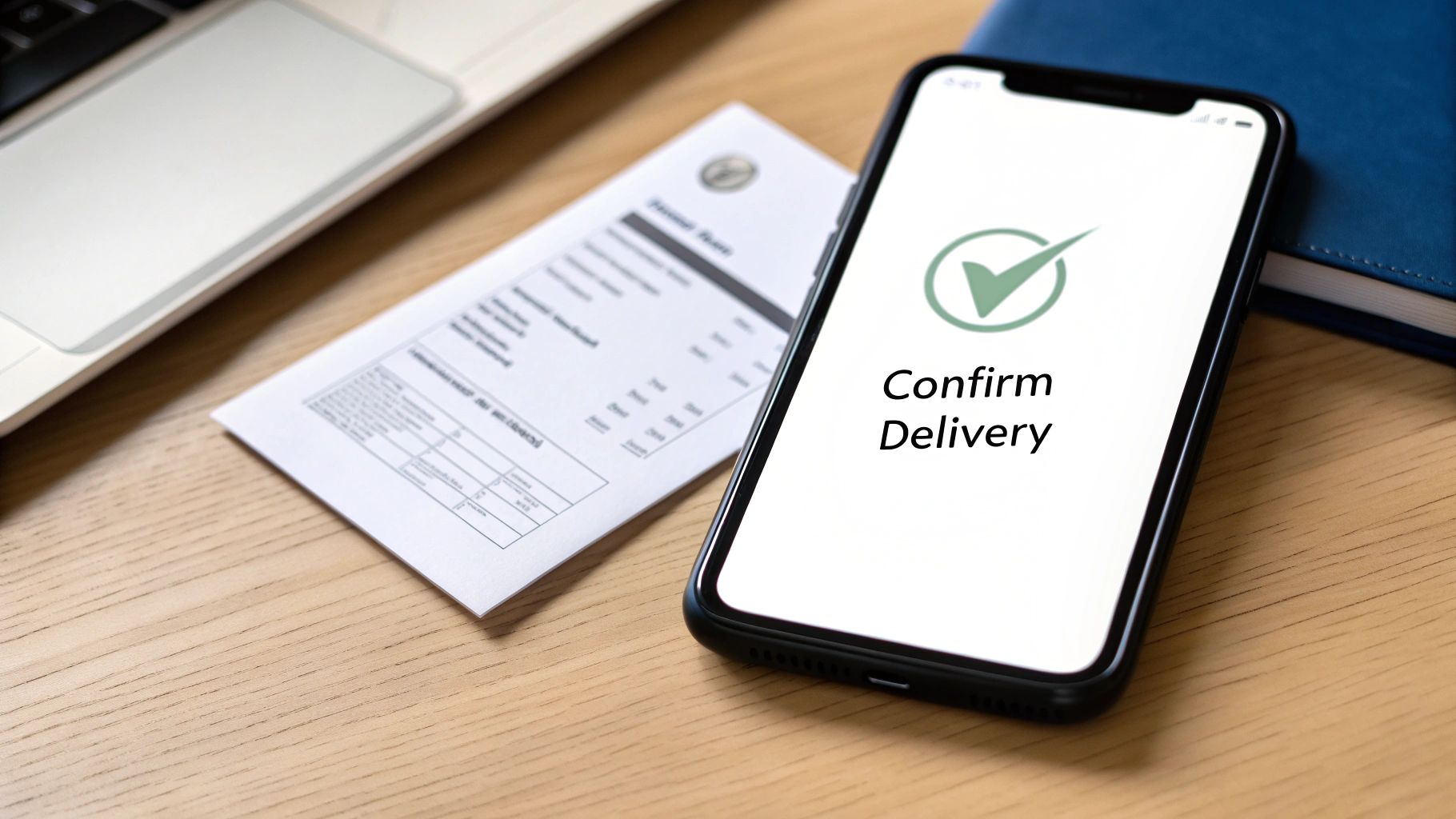
You might think that hitting “send” is the finish line, but until you see that confirmation, the fax hasn’t truly arrived. Delivery confirmation reports act as your digital receipt, giving you a clear audit trail. They’re indispensable when you’re passing along time-sensitive or legally binding documents.
Most online fax providers either email this report to you automatically or make it available in your dashboard within minutes. Treat it like proof of delivery—keep it on file whenever you’re dealing with contracts, medical records, or financial statements.
Decoding Your Fax Confirmation Report
At first, the confirmation report can look a bit dense. Once you know where to focus, though, it becomes a simple overview of your fax’s journey.
A typical report highlights:
- Transmission Status: Clear labels such as Success, Delivered, or Failed.
- Date and Time: The exact moments when the fax was sent and when the session wrapped up.
- Recipient’s Number: The fax number you dialed, for cross-checking.
- Number of Pages: Verifies how many pages actually went through.
- Thumbnail Image: A quick peek at the first page, so you know it’s the right document.
The confirmation report is more than just a notification; it's your proof of delivery. For legal contracts, medical records, or financial documents, this report can be an invaluable, legally admissible record.
Solving Common Fax Transmission Errors
Not every fax sails through on the first attempt, and that’s okay. A “Failed” label usually points to something fixable. Your confirmation report’s error code is your roadmap to a solution.
Here are the most frequent hiccups:
- Busy Signal or Line Is Busy: The recipient’s machine was in use. Wait 10–15 minutes and try again.
- No Answer or No Response: The fax didn’t connect. Check if the receiving machine is powered on, loaded with paper, and has a solid phone line.
- Invalid Fax Number or Number Unobtainable: A hard failure—double-check that the number is correct and still active.
These simple steps resolve most issues. If failures persist, verifying the number should be your first move. You can learn more about managing faxes digitally in our guide to the benefits of fax to email systems.
Proactive Tips For Preventing Failures
Why troubleshoot when you can prevent errors upfront? A few smart habits can boost your success rate dramatically.
- Send during off-peak hours. Early mornings or late afternoons often dodge busy signals in busy offices.
- Embrace cloud-based fax services. The market is projected to hit USD 1,034.34 million by 2025, reflecting a growing need for secure, efficient document delivery. Discover more insights about cloud fax services in a report by DataInsightsMarket.com.
By getting comfortable with confirmation reports and these troubleshooting steps, you’ll turn faxing from a guessing game into a reliable, trackable process.
Answering Your Questions About Online Faxing
If you're new to sending a fax from your computer, you probably have a few questions. It's a big change from the clunky machine in the corner, but the whole point is to make your life easier. Here are the most common things people ask when they're getting started.
Is It Really Safe to Send Sensitive Documents This Way?
This is usually the first question people ask, and for good reason. The answer is yes, as long as you use a reputable service. These providers don't just zap your document into the ether; they protect it.
Top-tier services use strong SSL/TLS encryption—the same security that protects your online banking—to shield your information as it travels to the fax network. Honestly, it's a lot more secure than leaving a sensitive contract sitting on a shared office fax machine for anyone to see.
For those in fields like healthcare, law, or finance, the stakes are even higher. If that's you, look for services that are specifically HIPAA compliant. This isn't just a buzzword; it means they meet strict federal standards for protecting private information, often including things like secure data storage and detailed audit trails. For many professionals, this makes online faxing the more secure choice.
The real advantage of a good online fax service isn't just convenience; it's the added security. Encrypting your data and delivering it to a private inbox eliminates the physical risks that come with a traditional fax machine.
Can I Get Faxes This Way, Too?
Absolutely. This is where online faxing really shines. Most subscription-based services will give you your own dedicated fax number, and you can usually pick a local or toll-free one that fits your business.
When someone sends a document to your number from a regular fax machine, the service catches it, converts it into a PDF, and sends it right to your email. You can open, download, and save your faxes just like any other attachment. Your laptop or phone instantly becomes a fax machine, no extra hardware required.
Do I Need to Buy Any Special Equipment?
Nope, and that's the whole point. The main reason people look up how to send a fax online is to get rid of the extra hardware and dedicated phone lines. You don't need any of it.
All you really need is an internet connection. You can send and receive everything right from your web browser or a mobile app on your phone. The service itself handles all the technical heavy lifting of talking to the old-school telephone network, so you don't have to think about it.
How Is This Any Different From Just Emailing a PDF?
It’s a great question, because on the surface, they seem similar. But they operate in fundamentally different ways, and those differences are a big deal when it comes to security and legal standing.
An email bounces across the public internet from server to server, which opens it up to security risks if it isn't perfectly encrypted. An online fax, on the other hand, travels over the Public Switched Telephone Network (PSTN). That’s the same secure, closed network that handles phone calls, and it delivers your document directly to a specific fax number.
Here's why that matters:
- It Holds Up Legally: Because of that secure, point-to-point transmission, a fax is often considered a legally binding document for things like contracts or court filings where a simple email might not be accepted.
- You Get Proof of Delivery: Online fax services give you a detailed confirmation report that acts as a verifiable receipt. It shows the exact time your fax was successfully delivered, something standard email just can't do.
- It Works for Everyone: You can send a document to someone who only has a traditional fax machine. They don’t need a computer or an email address to get what you sent.
Think of it this way: online faxing gives you the ease of email but with the security, legal weight, and verifiability of a traditional fax. It's the best of both worlds.
Ready to send your first fax without the hassle? With SendItFax, you can send your documents from any browser in just a few clicks—no account or subscription needed. Experience the convenience and security for yourself. Send a fax online now with SendItFax.
Related Posts
What Is a Fax Cover Sheet and Why It Still Matters
Fax Number Lookup: How to Find and Verify Any Fax Number