How to Receive a Fax by Email Your Modern Business Guide
Receiving a fax through your email is surprisingly simple. You just sign up with an online fax service, and they assign you a virtual fax number. When anyone sends a fax to that number, the service instantly converts it into a digital file (usually a PDF) and sends it straight to your email inbox as an attachment.
Why Receiving Faxes by Email Is a Game Changer
Let's be real—traditional fax machines feel like they belong in a museum. And yet, for industries like healthcare, law, and real estate, faxing is still a vital part of the job because of its long-standing security reputation. This is where understanding how to receive a fax by email turns an outdated process into a powerful modern tool.
Online fax services are the bridge between the old and the new. They let you finally get rid of that clunky machine, the expensive ink, and the mountains of paper. It's a massive operational upgrade that feels as easy as checking your email.
The Real-World Impact
Think about it. A real estate agent gets a signed purchase offer sent directly to their phone while they're showing a property. They can forward it to their client for review in seconds. Or picture a law firm that can securely archive confidential client files without a single filing cabinet, creating a searchable digital record on the fly. That's the practical magic of fax-to-email.
This isn't just about making things easier; it’s about making your workflow smarter and more precise. The global fax services market is actually expected to reach USD 4.47 billion by 2030. For professionals who deal with a lot of forms, receiving them by email can slash document-handling mistakes by 30-40%, simply because digital files are easier to track than stacks of paper. You can even read more about the surprising growth of business faxing.
Key Benefits of Fax to Email
The perks go way beyond just getting a message in a different place. When you adopt this technology, you'll see real, tangible improvements in how you work.
- Significant Cost Savings: Say goodbye to spending on paper, ink, toner, and machine repairs. You also cut out the need for a dedicated phone line, which can easily save you hundreds of dollars every year.
- Unmatched Convenience and Mobility: Check your faxes from literally anywhere—your laptop at a coffee shop, your tablet on the train, or your smartphone between meetings. You’re no longer chained to the office.
- Enhanced Security and Privacy: Digital faxes land in your private, password-protected email inbox. No more sensitive documents sitting out in the open on a shared office machine for anyone to see. The best services also use strong encryption to protect your data as it travels.
By moving fax communications into your email, you’re not just updating a tool; you’re creating a more agile, secure, and cost-effective system for handling critical documents. It’s the simplest way to modernize an essential business function.
How Does Online Faxing Actually Work?
Ever wondered what’s happening behind the scenes when a fax magically appears in your email inbox? It’s not magic, but it’s a clever bit of technology that acts as a bridge between the old analog world and your digital one. Honestly, you don't need a degree in IT to get it.
Think of an online fax service as your personal translator. A traditional fax machine still communicates by sending beeps and tones (analog signals) over a phone line—a language your email has no clue how to interpret. The service intercepts those signals and translates them into a format your computer understands perfectly.
So, when someone dials your online fax number and sends a document, it doesn't just vanish into the ether. The service catches that incoming transmission, digitizes it, and repackages it for the modern world.
From Fax Tones to an Email Attachment
The real workhorse of the system is the conversion process. When the service picks up the incoming fax signal, it immediately gets to work interpreting those analog tones.
- First, it converts the transmission into a digital document, almost always a PDF. Using a PDF is smart because it keeps the document's original formatting locked in place, which is often critical for things like contracts or official forms.
- Next, the service automatically drafts an email and attaches this brand-new PDF to it.
- Finally, it sends that email straight to your designated inbox. You get a notification just like any other message, letting you open, save, or forward the fax in seconds.
This whole process is lightning-fast, usually wrapping up in just a minute or two. The best part? The person sending the fax has no idea any of this is happening. To them, it feels exactly like sending a fax to any other machine. All the convenience is on your end.
An online fax service like SendItFax essentially modernizes a legacy process without forcing everyone to change how they work. It’s a secure bridge that lets an old-school tool fit right into your digital life.
Sending Faxes Is Just as Simple
It’s not a one-way street, either. Sending a fax from your email is just as straightforward.
You just compose a new email, attach the file you want to send—like an invoice or a signed agreement—and send it to a special email address. For example, you might send it to something like [email protected].
The service then grabs your email and attachment, translates them back into analog fax signals, and dials the recipient's fax machine to deliver it. This two-way street gives you a complete fax solution without ever needing to own, or even see, a physical machine. For a deeper dive, our complete guide on how fax to email services work breaks down every detail of this incredibly useful tool.
Choosing the Right Online Fax Service for You
Picking an online fax service isn't a one-size-fits-all deal. The right choice really depends on how you'll be using it. What works for a solo freelancer sending a contract once a quarter is totally different from what a busy medical office needs to handle patient records every day.
Let's break it down from a practical standpoint. Think about your typical fax volume, how critical security is, and what your budget looks like. If you only expect to receive a fax here and there, a pay-as-you-go service makes the most sense. But if you’re a healthcare provider, you'll need a robust subscription that's HIPAA compliant and can handle a high volume of documents securely.
Key Factors to Consider
When you’re figuring out how to receive a fax by email, the provider you choose is the single most important decision. To make the right call, focus on these core elements.
- Pricing Models: Does it make more sense to pay a flat monthly fee for a certain number of pages, or would you rather pay only for what you use? Subscriptions are perfect for businesses with predictable faxing needs. On the other hand, a pay-per-use model like SendItFax is a lifesaver for occasional users who want to avoid recurring costs.
- Number Porting: Do you already have a fax number that your clients and contacts know? If so, you'll want to find a service that lets you "port" or transfer that number over. This saves you the major hassle of updating business cards, websites, and contact lists.
- Security Standards: For many professionals, this is the most critical factor. Look for providers that offer end-to-end encryption to protect your documents. If you handle sensitive data—like legal briefs or medical charts—make sure the service is compliant with regulations like HIPAA.
- Ease of Use: A powerful tool is useless if it's a pain to operate. Is the dashboard intuitive? How simple is it to set up your email and manage your received faxes? A clunky interface will just add frustration and defeat the purpose of switching to a more modern solution.
This flowchart gives you a quick visual of the first few steps you'll take when ditching the old machine for an email-based setup.
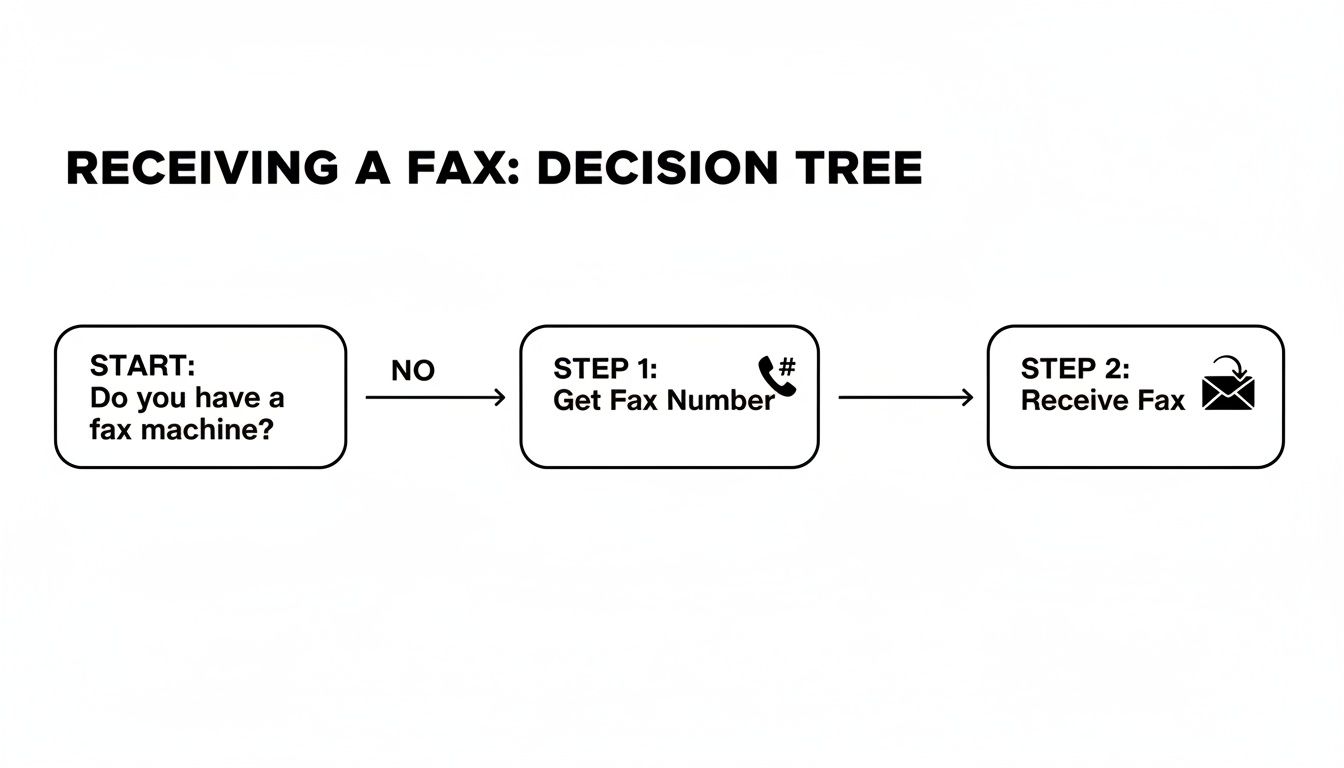
As you can see, it all starts with securing a fax number and linking it directly to your email inbox.
Comparing Online Fax Service Models
To help you visualize the differences, here's a look at how the main pricing models stack up. This should make it easier to see which approach aligns best with your needs, whether you fax once a year or a hundred times a day.
| Feature | Pay-Per-Use Model (e.g., SendItFax) | Subscription Model (Low-Tier) | Subscription Model (Business-Tier) |
|---|---|---|---|
| Best For | Occasional, infrequent users | Individuals or small teams | High-volume businesses |
| Cost Structure | Pay per page, no monthly fee | Fixed monthly fee | Higher fixed monthly fee |
| Page Allowance | N/A (Pay for what you use) | 100-300 pages/month | 1,000+ pages/month |
| Number Porting | Often available for a one-time fee | Usually included | Always included |
| Advanced Security | Varies by provider | Basic security, HIPAA often extra | HIPAA compliance included |
| Flexibility | Maximum flexibility, no commitment | Moderate flexibility | Low flexibility (annual contracts) |
Each model has its place. Your goal is to find the one that delivers the features you need without forcing you to pay for things you won't use.
Making the Final Decision
Ultimately, choosing the right service comes down to balancing features with cost. A good first step is to estimate your average monthly fax volume. That number alone will point you toward either a subscription or a pay-per-use plan.
Remember, the goal is to find a service that seamlessly integrates into your existing workflow, not one that adds another layer of complexity. Prioritize a solution that feels like a natural extension of your email.
For a much deeper dive into specific providers, check out our detailed online fax services comparison guide. We lay out the features and pricing side-by-side to help you make a truly informed choice.
Setting Up Your Fax to Email Service
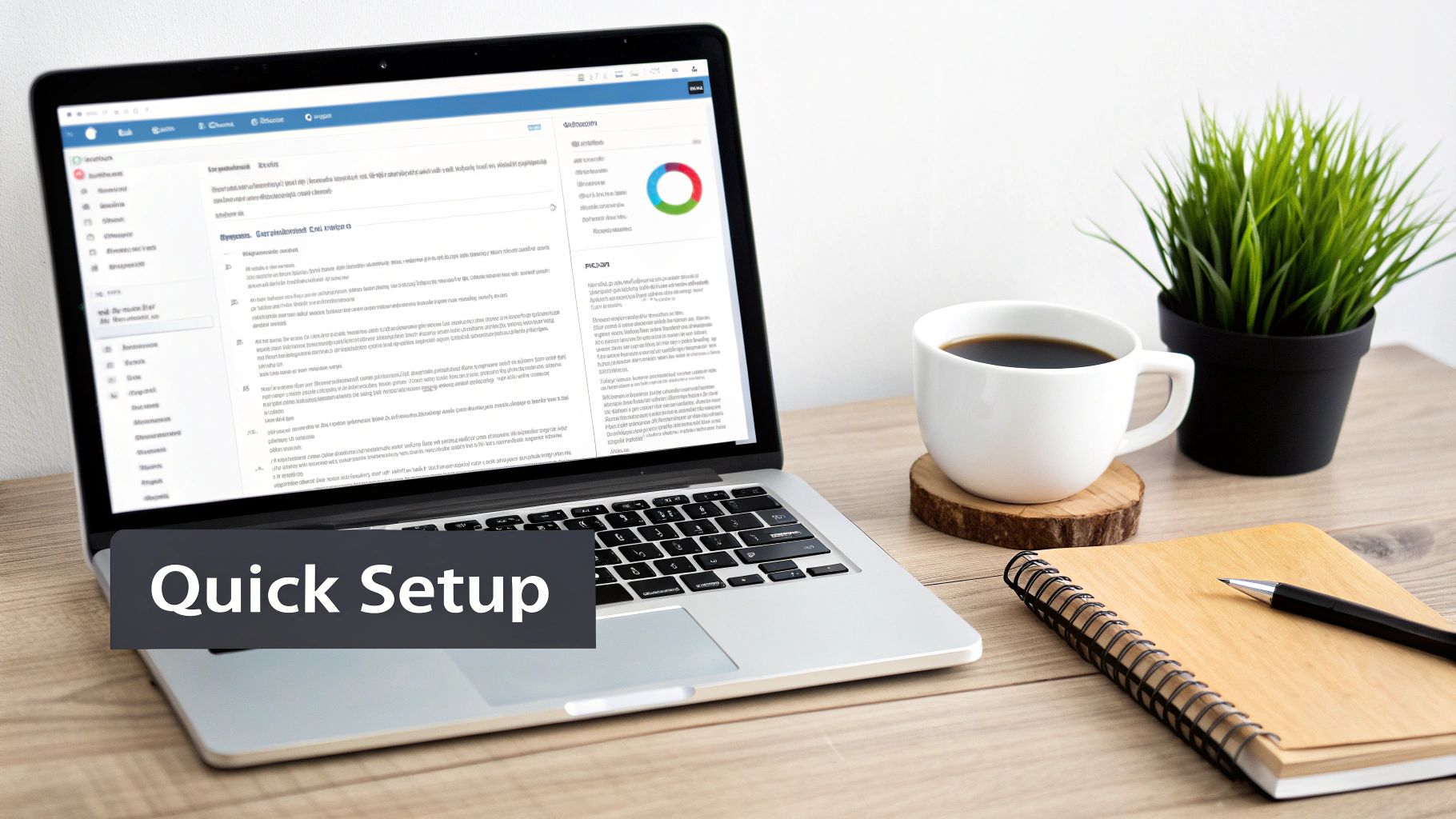
This is where the magic happens. Getting your fax-to-email service running is surprisingly quick and doesn't require an IT degree. The whole point is to get you receiving faxes in your inbox with as little fuss as possible, turning what used to be a clunky process into just another part of your digital day.
Essentially, you just need to sign up, sort out your fax number, and tell the service which email address to send everything to. Let’s break it down.
Your Fax Number, Your Choice
First things first: you need a fax number. This is what people will dial to send you documents. When you sign up for a service, you’ll be presented with a couple of options, and your choice really boils down to your business's history with faxing.
- Get a New Number: If you’re just starting out or don't have an established fax line, this is the simplest route. Services like SendItFax let you pick a new local or toll-free number right during the signup process. It's the fastest way to get the ball rolling.
- Port Your Existing Number: Got a fax number that your clients have known and used for years? You'll want to port it. Porting simply means transferring your existing number from your old provider to your new online service. It's a critical step for maintaining business continuity.
Just a heads-up: while porting is a fantastic feature, it does take a bit more time than grabbing a new number. Plan for it to take anywhere from a few days to a week to complete the transfer.
Configuring Your Destination Email
With your number sorted, the next step is connecting it to your email. This is the heart of "fax-to-email" and it's usually as easy as typing your email address into a field in your account settings. You can route faxes to any email you want—Gmail, Outlook, or your own custom domain, it doesn't matter.
Here's a pro tip I've learned from experience: consider setting up a dedicated email address just for faxes, like [email protected]. This creates a clean, organized funnel for all incoming faxes, keeping them separate from your day-to-day emails and making them much easier to track.
The entire setup is designed to take just a few minutes. The goal is to bridge the gap between old-school faxing and modern work with practically zero friction, so you can worry about the documents themselves, not the technology behind them.
This kind of setup is more relevant than ever. The cloud fax market is on track to hit USD 860.5 million by 2026, partly because faxing is still so prevalent in many industries. And with the post-pandemic remote work boom causing a 20-30% jump in demand for browser-based tools, knowing how to get a fax by email is a vital skill for distributed teams. You can discover more insights on the future of cloud fax markets to see where things are headed.
Automate Your Inbox for Ultimate Efficiency
Once you're set up, don't just let those fax notifications flood your primary inbox. Take an extra five minutes to create an email filter. Trust me, this is a game-changer for staying organized.
For example, in Gmail or Outlook, you can set up a rule that automatically moves any email coming from your fax service (like [email protected]) into a dedicated folder you've named "Incoming Faxes."
Setting this up is simple:
- Open an email notification from a test fax you've received.
- Find the "Create filter" or "Create rule" option in your email client, usually based on the sender's address.
- Choose the action to "Move to" a specific folder or "Apply label," then select your "Incoming Faxes" folder.
This one little automation keeps your main inbox tidy and ensures all your important faxes are neatly filed away, ready for you the moment you need them. It's a small tweak that pays huge dividends in your daily workflow.
Now What? How to Manage Your Digital Faxes Like a Pro
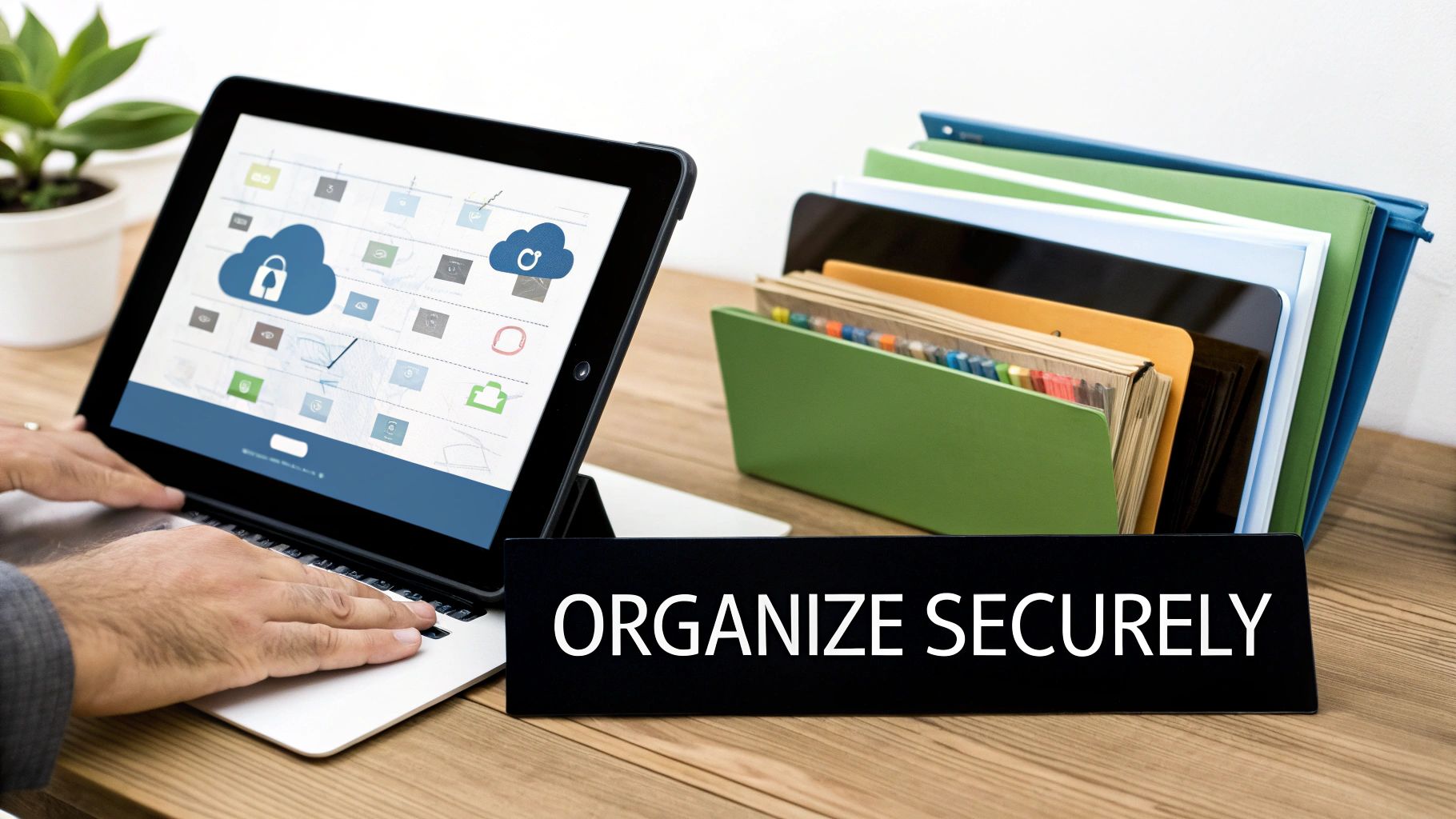
Okay, so your fax-to-email service is up and running. The faxes are rolling in. Now the real work begins: building a smart system to handle everything. Just letting digital faxes pile up in your inbox is a surefire recipe for chaos.
To really get the most out of your setup, you need a solid workflow for organizing, archiving, and protecting these documents. This is where you move from just receiving faxes to truly managing them with confidence.
Develop a Smart Organization System
The cornerstone of any good digital workflow is organization. Think of your digital faxes just as you would any other critical business document. A great first step is creating a dedicated folder structure that mirrors how you actually work.
For example, a busy real estate agent could set up email folders for each client or property. That way, finding a specific signed offer from three months ago is a matter of a few clicks, not an endless, panicked scroll through a cluttered inbox. This is so much more effective than just relying on your email's search bar.
Don’t treat your inbox like a to-do list or a filing cabinet. As soon as you review a fax, file it away. This simple habit keeps your inbox clean and prevents crucial documents from getting lost in the noise.
This kind of proactive management is becoming the norm. The global online fax market is booming, valued at USD 2.88 billion and on track to reach USD 5.18 billion by 2035. Big companies, making up about 50% of all users, are driving this trend because they can't afford disorganized or insecure document handling. If you're curious, you can read the full research about online fax market growth and see the data for yourself.
Prioritize Security and Archiving
Security is non-negotiable when you receive a fax by email, especially if those documents contain sensitive client or patient data. While good online fax services offer secure transmission, your own digital habits play a huge part in keeping that information safe once it lands.
Make these security practices second nature:
- Lock Down Your Email: Your email account is now the front door to your faxes. Use a strong, unique password and, wherever possible, turn on two-factor authentication. It's one of the best defenses you have.
- Spot the Fakes: Be on the lookout for phishing scams disguised as fax notifications. Always double-check the sender’s email address before you click a link or download an attachment.
- Use the Cloud for Safekeeping: For secure, long-term storage, consider setting up an email rule that automatically forwards or saves faxes to a trusted cloud service like Google Drive or Dropbox. This gives you a centralized, backed-up archive of everything important.
These steps ensure your digital faxing is not just convenient but also incredibly secure. For a deeper dive, check out our guide on the security of fax communications and learn the best practices from top to bottom.
Got Questions? We've Got Answers
Switching to a new system for something as established as faxing naturally brings up some questions. It's smart to get the full picture before you dive in. I've been helping people make this transition for years, and a few key questions always pop up. Let's walk through them so you feel completely comfortable.
These are the things people usually ask when they're figuring out how to get faxes sent to their email. Getting these points clarified will make the whole process feel much less like a leap of faith.
Can I Keep My Old Fax Number?
Absolutely. In almost every case, you can bring your existing fax number with you. Any good online fax provider knows that number is part of your business's identity. They have a standard process called number porting.
Think of it as simply moving your number from your old phone carrier to their service. It's not instantaneous—it can take anywhere from a few days to a couple of weeks to complete—but it's a routine procedure. This means you get all the benefits of a modern system without the massive pain of updating your contact info everywhere.
Are Email Faxes Actually Legally Binding?
This is a critical question, and the answer is a confident yes. Faxes you receive via an online fax service hold the same legal weight as a piece of paper spat out by a traditional machine. The secret is in the digital audit trail.
Online services generate detailed transmission logs that confirm successful delivery. Honestly, this digital record is often stronger proof than the flimsy confirmation slip you'd get from an old machine.
For anyone in law, finance, or healthcare, this is huge. You need to know your documents are secure and legally sound. Digital faxing meets that standard, giving you modern convenience without compromising on legal validity.
A quick tip: if you handle sensitive information, make sure your chosen service mentions security like TLS encryption. And for anyone in healthcare, a HIPAA-compliant service isn't just a good idea; it's a requirement to protect patient data properly.
What if My Email Server Goes Down?
Your faxes will be safe. This is a common worry, but it actually points to one of the biggest strengths of an online service. The service doesn't send the fax directly to your email; it receives it on its own secure servers first.
It then forwards a copy to your inbox. If your email is down for maintenance or having an off day, that fax just sits safely in your online fax account, waiting for you. You can log into the service's website or app to see it immediately, or it will be there in your inbox once things are back online. It’s a built-in safety net that ensures you never miss a thing.
Ready to see how much simpler faxing can be? SendItFax offers a straightforward, pay-as-you-go service that lets you send faxes right from your browser—no sign-ups or subscriptions needed. You can get started in just a few seconds.
Related Posts
Fax Cover Sheet to IRS: How to Send It Right
MS Office Fax Cover Sheet Template: Create and Customize