How to Fax Documents From Computer the Easy Way
Learning how to send a fax from your computer is surprisingly straightforward. All you need is a web-based fax service to upload your files, like a PDF or Word document, and send them on their way. This completely bypasses the need for a clunky machine, a dedicated phone line, or stacks of paper, effectively turning your computer into a secure document-sending powerhouse.
Why Bother Faxing From a Computer in the First Place?
I know what you're thinking—faxing? Isn't that a relic from another time? While it might feel old-school, faxing is still incredibly important in many professional circles. For industries like healthcare, law, and finance, it’s not just an option; it's often a hard requirement for security and compliance.
When you fax from your computer, you're not wrestling with an ancient, noisy machine. You're using a secure, digital pipeline that offers a level of protection that standard email just can't match.
The Modern Edge: Digital Faxing
The biggest advantage here is security, plain and simple. Good online fax services encrypt your documents while they're in transit, which is absolutely crucial when you're dealing with sensitive information.
This makes it the perfect choice for things like:
- Legally Binding Documents: Think signed contracts, official agreements, and forms where you need undeniable proof of delivery.
- Regulatory Compliance: It's essential for meeting strict data privacy standards, like those required by the Health Insurance Portability and Accountability Act (HIPAA).
- Confidential Information: Perfect for transmitting financial records or medical histories that have no business being on an unsecure network.
It's a world away from the early days of faxing. The Magnafax Telecopier back in 1966 was a 50-pound beast that took a full six minutes just to send one page. The real game-changer came in 1985 with the first computer-based fax board, which started the slow march toward integrating faxing directly with our computers.
It’s All About Convenience and Access
Beyond the security angle, it’s just so much easier. You can send a document from your living room, a coffee shop, or anywhere you have an internet connection—right from the file you were just working on.
No printing, no hunting for a machine, and you don't even need to know the technical details of what is a fax number. This approach truly gives you the best of both worlds: the trusted reliability of faxing combined with the speed and efficiency we expect from modern tech.
Choosing the Right Online Fax Service
So, you need to send a fax from your computer. What's the best way to do it? While you might think of old, clunky machines, the modern solution is a dedicated online fax service. These web-based platforms are built for one thing: sending faxes securely and easily, with no extra hardware required.
Unlike the faxing tools sometimes buried in your computer's operating system (which are often clunky and limited), a good online service gives you a full toolkit designed for reliable document transmission. This is a big deal when you’re dealing with sensitive paperwork like legal contracts or private medical information.
Comparing Your Options
The right service really depends on your situation. Are you sending just one document, or do you expect to fax things pretty regularly? You’ll want to weigh the cost, features, and, most importantly, the security of any service you consider.
- One-Off Faxes: Perfect if you just need to send a single document, like a signed rental agreement or a tax form. A pay-per-fax model is usually the most cost-effective choice here.
- Regular Use: If you're a business or individual who sends faxes often, a subscription plan makes more sense. These usually come with a dedicated fax number, a high page count, and handy features like digital signatures.
- Old-School OS Faxing: Yes, some operating systems can still technically send faxes, but it’s a hassle. You almost always need to dig up a modem and connect it to a landline. For most of us, this just isn't a practical option anymore.
The security piece is where online services truly shine, especially when compared to less secure methods like email.
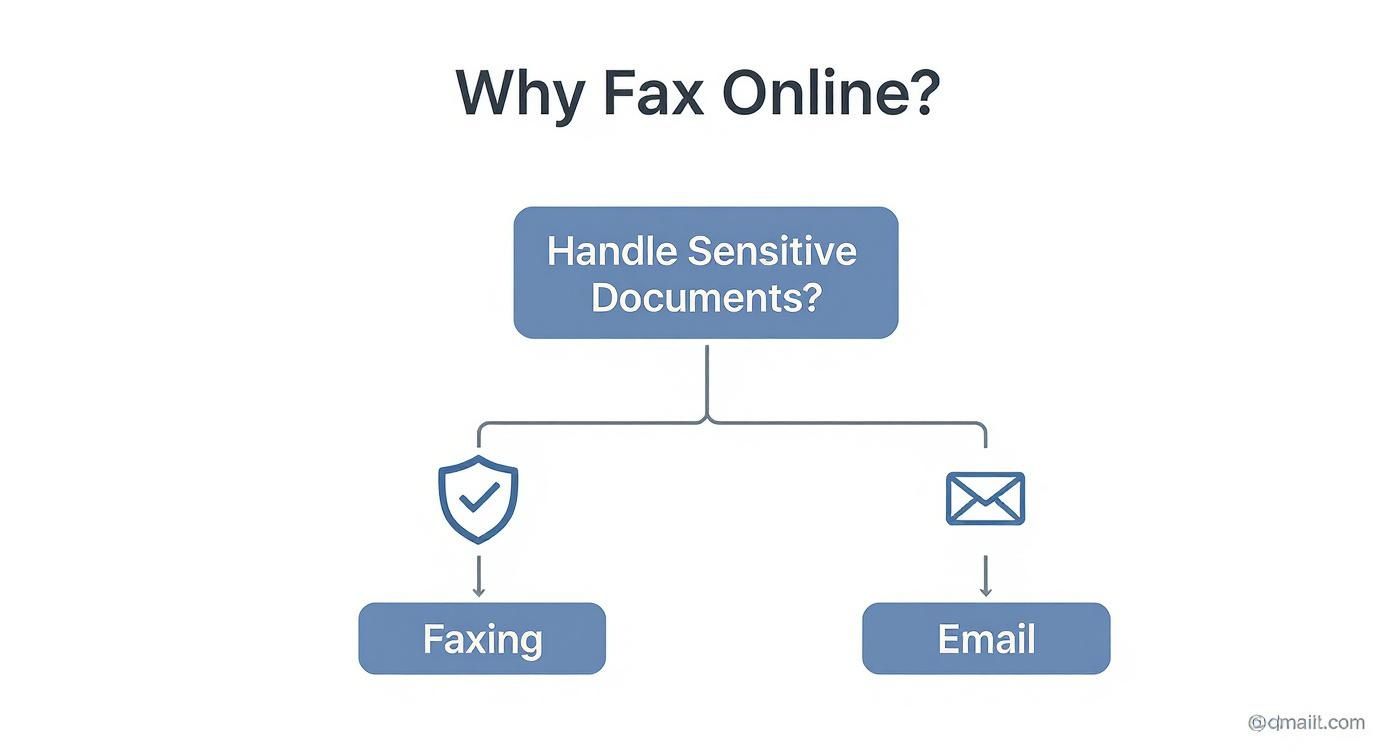
As you can see, the built-in security protocols of a dedicated fax service give you a real advantage for transmitting sensitive information.
Finding the Right Fit for You
The online faxing world has plenty of options, each tailored to different types of users. To get a really clear picture of who offers what, it's worth checking out a detailed online fax services comparison that breaks down pricing, features, and international capabilities.
My best advice? Pay close attention to the security features. Look for providers that offer end-to-end encryption and are compliant with standards like HIPAA, especially if you handle any kind of confidential client or patient data.
To give you a quick lay of the land, I've put together a simple table comparing the most common approaches to faxing from a computer. This should help you quickly see the pros and cons of each method.
Comparing Computer Faxing Methods
| Method | Typical Cost | Setup Effort | Best For |
|---|---|---|---|
| Online Fax Service | Varies (Free to Subscription) | Very Low | Most users; great for both occasional and regular business use. |
| Fax Software & Modem | One-time hardware cost + landline fees | High | People who already have a landline and don't mind the setup. |
| Mobile Fax App | Pay-per-fax or subscription | Low | Quick faxes sent directly from your phone on the move. |
This table shows why web-based services have become the go-to for most people—they hit that sweet spot of convenience, affordability, and minimal hassle.
Ultimately, you want a solution that slots neatly into your workflow without causing headaches. For the majority of folks who just need to get a document from their computer to a fax machine, a web-based service like SendItFax offers the ideal mix of simplicity, low cost, and security, effectively getting rid of all the old barriers to faxing.
Alright, let's walk through sending your first fax from your computer. It’s one thing to talk about the process, but actually doing it is where you build real confidence. We'll use a common scenario to make it practical: you need to send a signed, time-sensitive contract to a vendor, and they only take faxes.
No need to hunt down a Kinko's. You can get this done in minutes, right from your desk.
Getting Your Contract Ready to Go
First up, your document needs to be in a digital format the fax service can handle. The good news is that most online services, including SendItFax, are built to accept the files you already use every day.
You'll have the smoothest experience with these formats:
- PDF (.pdf): This is the gold standard for a reason. A PDF locks in all your formatting, so what you see on your screen is precisely what prints out on the other end. No surprises.
- Microsoft Word (.doc, .docx): These are also widely supported. Just be aware that if you have a document with really complex formatting, it can sometimes shift a tiny bit during the conversion process.
For our contract scenario, let's assume you've already signed it digitally and saved the final version as a PDF. If you're starting with a physical paper copy, a quick pass through a scanner is your best bet. Even a good scanning app on your phone can produce a crisp, professional-looking PDF. A photo can work in a real pinch, but a proper scan always looks better.
Filling In the Sender and Recipient Info
Once your file is ready, you'll head to the fax service's "send" page. This is basically the digital version of addressing an envelope.
You'll need to plug in a few key details:
- Your Information (Sender): This is your name, company, email, and phone number. It tells the recipient who the fax is from and, just as importantly, tells the service where to send your delivery confirmation.
- Recipient’s Information (Receiver): Their name and the fax number. Make sure you have the full number, including the area code.
Pro Tip: I can't stress this enough: double-check that fax number. A single mistyped digit is the number one reason faxes fail. It’s just like a typo in an email address—it’s going nowhere. A quick call or email to the recipient to confirm the number can save you a ton of frustration.
Adding a Professional Cover Page
Next, you'll see an option for a cover page. For anything professional, you should absolutely use it. A cover page is your introduction; it provides context and makes sure your document lands on the right desk instead of getting lost in the office shuffle.
The form is usually straightforward:
- Subject: Keep it clear and concise, like "Signed Service Agreement – Project Phoenix."
- Message: A brief, polite note does the trick. "Please find the signed contract attached. We look forward to starting our work together. Let me know if you have any questions."
Services like SendItFax make this simple. Their free option provides a branded cover page, which is perfectly fine. Paid plans often give you the choice of a clean, unbranded cover page or skipping it entirely, which can look a bit more polished. For power users, some platforms even let you fax via email, a workflow that can be a real time-saver if you send faxes often.
Attaching and Sending Your Document
We're almost there. The last thing to do is attach your file. Look for a button like "Upload Document" or "Attach File," and then select that signed contract PDF you prepared earlier.
Most services will give you a preview before you send. Use it. This is your final check to catch any mistakes—a blurry signature, a page that got cut off, or weird formatting. Taking ten seconds to glance at the preview can save you the headache of having to resend the whole thing later.
Once everything looks good, hit that "Send Fax" button. The service now does the heavy lifting, converting your file and dialing the recipient's machine. You'll get an email confirming the fax was sent, and then another one once it's successfully delivered. That second email is your proof, creating a perfect digital paper trail for your records.
How to Confirm Your Fax Was Delivered
Clicking "send" feels like you're done, but the real peace of mind comes from knowing your fax actually arrived. Unlike firing off an email and just hoping for the best, sending a fax from your computer gives you a clear digital paper trail. It's one of the biggest perks of using an online service.
Shortly after your fax goes out, you should get a confirmation receipt in your email inbox. This isn't just a generic "sent" notification; it's your proof of transmission. It will clearly show the date, time, the recipient's fax number, and exactly how many pages were successfully delivered.
What Does My Delivery Status Mean?
Most online fax services will give you one of three updates on your document's journey. Knowing what each status means will help you figure out your next move.
-
Delivered: This is the one you want to see. It means every single page of your document landed on the recipient's fax machine without a hitch. You can file that confirmation email away and cross the task off your list.
-
Sent: This one can be a little confusing. "Sent" confirms that your fax left the online service's servers successfully, but it doesn't guarantee the recipient's machine has finished printing it. Think of it like a package that’s left the warehouse but hasn't been marked as "delivered" at the front door yet.
-
Failed: If you see this, your fax didn't make it. The service couldn't connect to the recipient's machine for some reason, and you'll need to do a little digging.
A failed fax isn't a dead end—it's just a signal to troubleshoot. The problem is usually something simple, like a typo in the number or a busy signal on the other end.
Why Did My Fax Fail to Send?
Getting a "failed" notification is frustrating, but don't worry—the cause is almost always easy to fix. Before you assume the worst, run through a quick checklist of the usual suspects.
Fax technology has evolved significantly since its early days. The first machines chugged along over phone lines, sending a page in about 40 seconds at speeds of 2,400 to 9,600 bits per second. While today's digital faxing is much faster and more reliable, that core process of one machine trying to connect with another still causes the same old hiccups. You can read more about the evolution of fax technology on Wikipedia.
Here are the most common reasons a fax fails and how to handle them:
-
The Number is Wrong: This is, without a doubt, the number one culprit. A single mistyped digit is all it takes to send your document into the void. Carefully check the number, including the area code, and try sending it again.
-
The Line is Busy: Just like an old-school phone call, the receiving fax machine might have been in use when your service tried to connect. Most platforms will automatically retry a few times. If it keeps failing, your best bet is to wait and send it later when they might be less busy.
-
There's No Answer: The machine on the other end might be switched off, out of paper, or having a technical issue. It's often worth a quick phone call to the recipient to make sure their machine is online and ready to go.
-
The File Format Isn't Supported: Services like SendItFax are built to handle standard files like PDF, DOC, and DOCX. If you try to send something a little more obscure, the system might not know how to convert it. Sticking to the recommended file types is the safest route.
Keeping Your Digital Faxes Secure
When you’re sending a fax from your computer, convenience is great, but security is everything. Think about it—you're often handling legal contracts, medical records, or other documents packed with sensitive information. You need to be sure that data stays private from the moment you hit send.
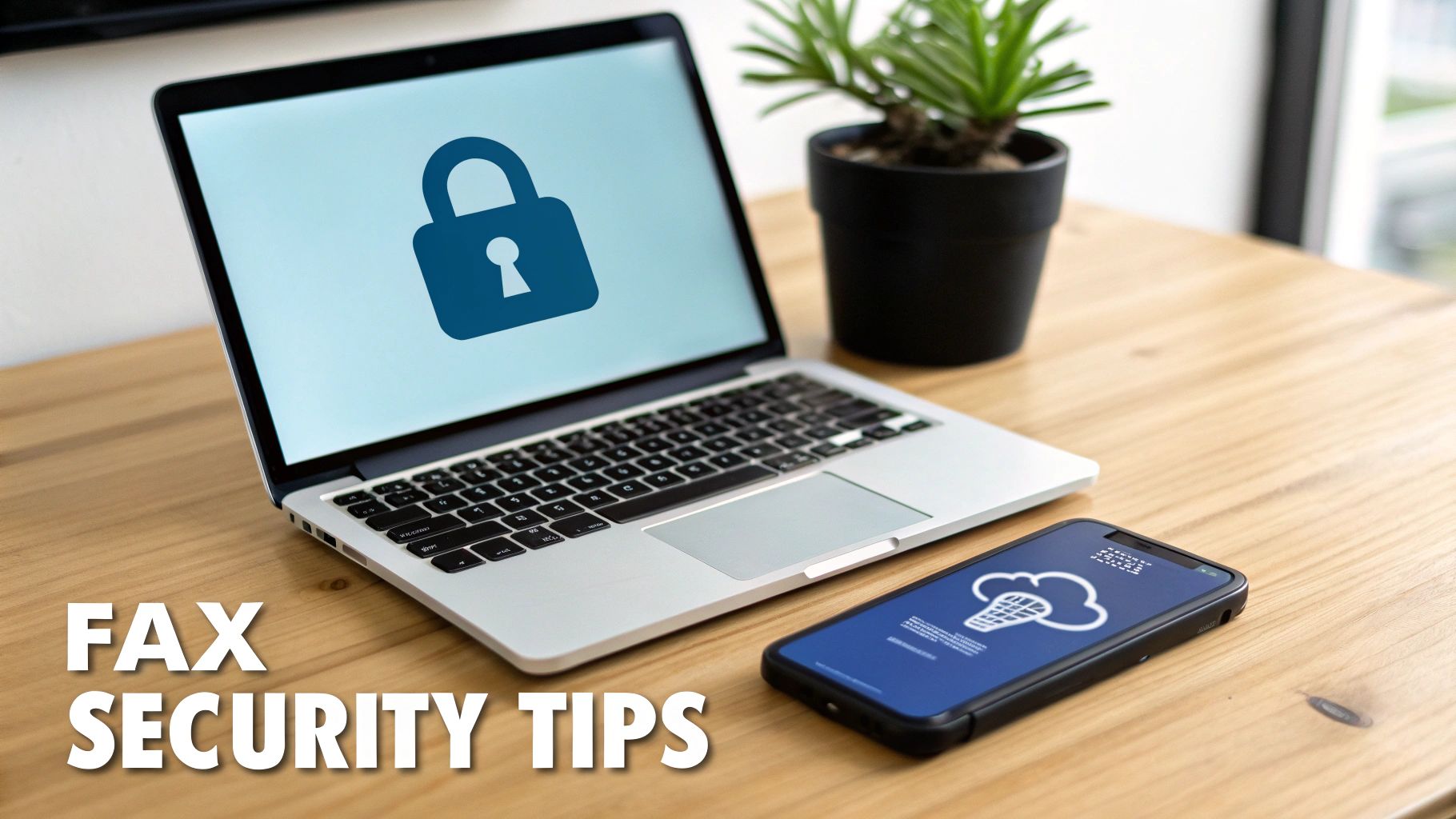
The single most important security feature to look for is end-to-end encryption. This is the gold standard for digital security. It essentially scrambles your document into unreadable code while it's in transit, then unscrambles it only when it reaches the intended recipient. It’s the digital version of sending a document in a sealed, tamper-proof briefcase.
Beyond Encryption: What to Look For
While encryption is the foundation, certain industry-specific compliance standards show a service is serious about security. If your work involves sensitive health or financial data, these are non-negotiable.
- HIPAA Compliance: An absolute must for anyone in healthcare. This ensures the service adheres to strict U.S. federal laws designed to protect patient privacy.
- PCI DSS Compliance: If you handle any credit card information, this standard is critical. It guarantees that financial data is handled according to rigorous security protocols.
Finding a provider that meets these standards adds a crucial layer of confidence, confirming they follow established best practices for data protection.
Online faxing has come a long way since it first emerged around 1996. It’s matured to meet the serious security needs of today's world. This evolution allows vital sectors like law and medicine to transmit documents securely without relying on a physical machine, building top-tier security right into the digital workflow. You can learn more about this journey by exploring the history of internet faxing on Fax.Plus.
Simple Habits for Better Security
Of course, the platform you choose is only half the battle. Your own digital habits are just as important for keeping your faxes secure. A few small changes to your routine can make a huge difference.
- Create Strong Passwords: Don't just use your dog's name and "123." A strong password for your fax service account should be a unique mix of uppercase and lowercase letters, numbers, and symbols.
- Turn on Two-Factor Authentication (2FA): If your service offers it, enable it immediately. 2FA adds a second layer of security, usually a code sent to your phone, which stops unauthorized users in their tracks even if they somehow get your password.
- Be Wary of Public Wi-Fi: That coffee shop Wi-Fi is great for browsing, but not for sending confidential faxes. Public networks are notoriously insecure, so always stick to a trusted, password-protected network when transmitting sensitive information.
By picking a secure online fax service and adopting these smart security practices, you can confidently send your documents knowing your private information will stay exactly that—private.
A Few Lingering Questions About Computer Faxing
Even with a straightforward process, moving from a physical fax machine to a digital service can feel like a big leap. It's totally normal to have a few questions pop up. Let's tackle some of the most common ones I hear from people making the switch.
Do I Still Need a Fax Machine or a Dedicated Phone Line?
Nope, and that’s the beauty of it. Online fax services cut the cord completely.
Think of the service as your digital middleman. You upload your document to a website or attach it to an email, and the service handles the rest—translating your digital file into a format that a traditional fax machine on the other end can understand. This means you can finally clear that old, clunky machine off your desk and forget about the cost of a dedicated phone line, paper, and ink.
Are Faxes Sent From a Computer Actually Legally Binding?
This is a big one, and the answer is yes. In most places, a fax sent from a reputable online service holds the same legal weight as one sent from a traditional machine.
The key is the proof of delivery. Every time you send a fax, the service generates a detailed transmission log. This log is your evidence, showing exactly who sent the document, the recipient's number, and a timestamp for both sending and successful delivery. That verifiable trail is why faxing is still the go-to for sensitive documents in the legal, healthcare, and real estate worlds.
What Kind of Files Can I Actually Fax From My Computer?
You don't need to worry about converting your files into some weird, obscure format. Modern fax services are built to handle the documents you already use every day.
You'll almost always find support for the big three:
- Adobe PDF (.pdf): This is the gold standard. It locks in your formatting, so what you see on your screen is exactly what the recipient gets.
- Microsoft Word (.doc, .docx): Perfect for contracts, letters, and other text-heavy documents.
- Image Files (.jpg, .png): Need to send a signed document, a photo, or a receipt? No problem.
Most platforms also play nicely with spreadsheets and plain text files. My best advice? Before you hit send, just take a quick peek at your service's FAQ or support page to see their full list of accepted file types. It's a simple step that can prevent any last-minute hiccups.
Ready to send your documents without the hassle? With SendItFax, you can fax up to three pages for free—no account needed. If you have a longer document or want to add a professional cover page, our Almost Free plan is just $1.99. Give it a try and see just how simple modern faxing can be.
Related Posts
What Is a Fax Cover Sheet and Why It Still Matters
Fax Number Lookup: How to Find and Verify Any Fax Number