Create the Perfect Free PDF Fax Cover Sheet
A good free PDF fax cover sheet isn't just a formality—it's your first line of defense for professionalism and clarity. In the few seconds it takes to read, it confirms your documents landed in the right hands, provides critical context, and even creates a clear audit trail for your records.
Why a Professional Fax Cover Sheet Still Matters
Think of your cover sheet as the handshake before a meeting. Before anyone even lays eyes on your actual document, this first page sets the tone, establishing your credibility and giving instant context for what follows. In a busy office, a fax that arrives without one can easily get lost in the shuffle or misrouted.
This single page is an essential routing slip. Imagine a large hospital where a time-sensitive patient referral needs to get to a specific specialist immediately. The cover sheet is what allows the front desk staff to direct it properly without having to read the confidential patient information inside.
The Digital Shift and Why PDFs are King
As we’ve moved from clunky fax machines to slick online fax services, the need for a polished, universally compatible cover sheet has actually grown. Using a PDF format has become the gold standard. Why? Because it locks in your layout and branding, guaranteeing it looks exactly as you intended, no matter what device it's viewed on.
The numbers back this up. The global fax services market was valued at $3.18 billion in 2022 and is on track to hit $5.96 billion by 2028, a boom driven almost entirely by this digital transition. With North America making up over 60% of that market—thanks to heavy use in healthcare, finance, and legal fields—it's clear that a reliable free PDF fax cover sheet is more important than ever. For a deeper dive, you can explore detailed reports on the fax services market growth.
Key Benefits at a Glance
A well-crafted cover sheet offers more than just a good first impression. It delivers some very practical benefits.
- Spot-On Delivery: It clearly names the recipient, so your fax doesn't end up on the wrong desk.
- Instant Context: It provides all the key details at a glance—who it's from, the page count, and what it's about.
- A Shield of Security: A simple confidentiality notice is a must-have for protecting sensitive information.
- A Clear Paper Trail: It officially documents when the fax was sent and who it was intended for, creating an essential record.
Bottom line: this first page is ground zero for making sure every fax you send is handled correctly and taken seriously from the moment it arrives.
What Makes a Great Fax Cover Sheet?
Think of your fax cover sheet as your document's first impression. It's the first thing your recipient sees, and if it’s missing key information, your important document could get lost in a mailroom shuffle or, worse, land in the wrong hands. A well-constructed cover sheet is both a business card and a routing slip, ensuring your fax gets to the right person, right away.
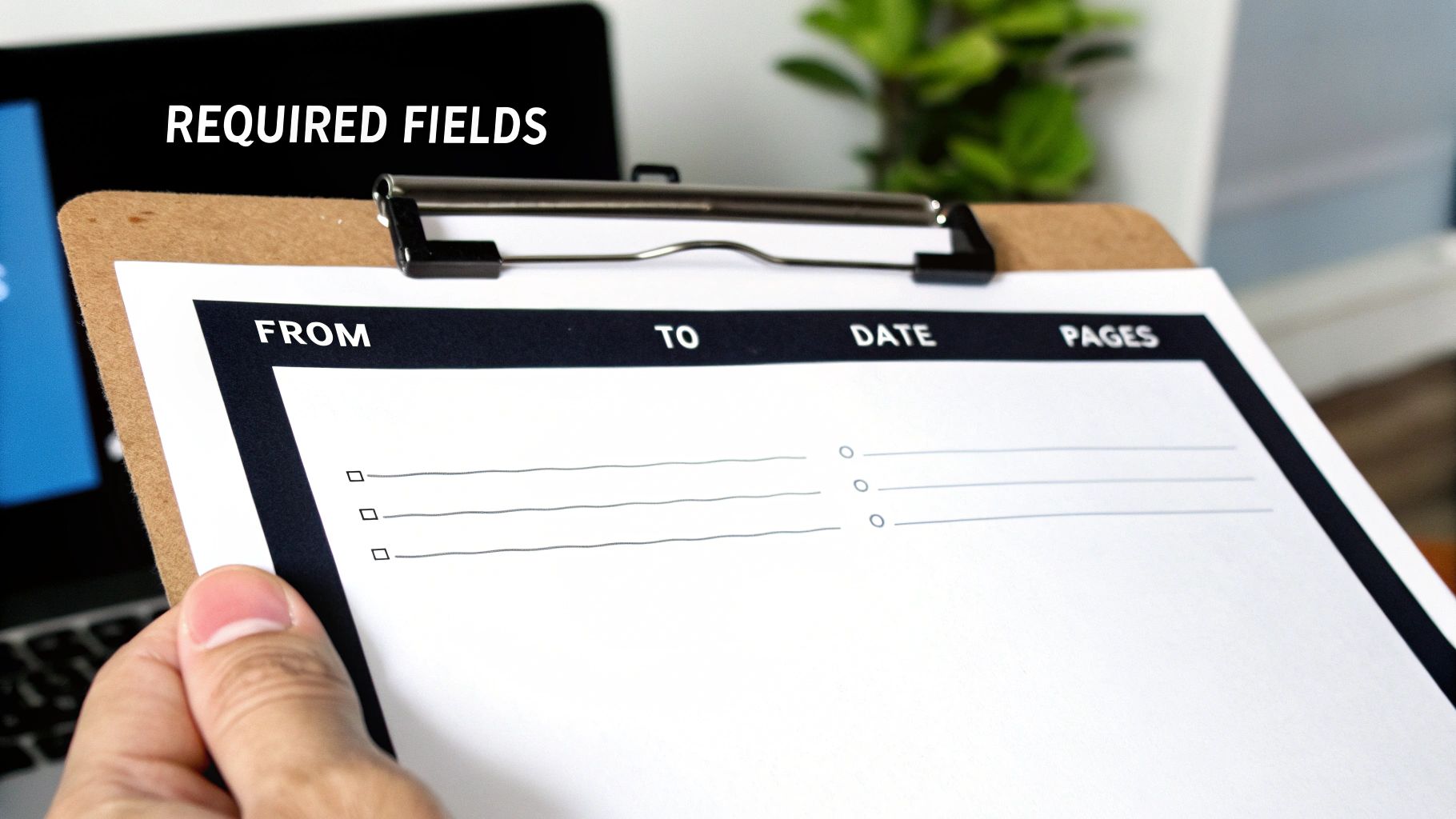
Let's break down the essential components that make a free PDF fax cover sheet foolproof, preventing confusion and ensuring your transmission is handled correctly from the moment it arrives.
The Absolute Must-Haves
These are the non-negotiable fields. Leaving any of these out is like sending a letter without an address—it’s just not going to get where it needs to go.
- To and From: It sounds obvious, but be specific. Use the full name and company of both yourself and the recipient. If you know their department, add it. This small detail can save a lot of time on the other end.
- Contact Information: Always include your phone and fax numbers. If there's a transmission error or a blurry page, this gives the recipient a direct way to let you know immediately.
- Date: A clear timestamp is crucial for your records, especially when dealing with time-sensitive documents for legal, financial, or medical purposes.
- Total Page Count: This is a big one. Always remember to include the cover sheet in your total count. Stating "5 pages (including cover)" helps the recipient instantly verify they've received the complete document. No more guessing games.
Smart Additions for a Professional Touch
Once you have the basics covered, a few extra fields can take your cover sheet from merely functional to truly professional and secure. These aren't strictly required, but I highly recommend them.
A Subject Line is your chance to provide immediate context. Something clear like "RE: Invoice #5821" or "Urgent: Patient Referral Form" helps the recipient prioritize your document the second it lands on their desk. You might also want a small Comments or Notes section for any quick instructions or context.
The most important optional field? A confidentiality notice. This brief statement is standard practice in healthcare and legal fields for a reason. It reinforces privacy and gives clear instructions for what to do if the fax is accidentally received by the wrong person. It's a simple addition that adds a serious layer of protection.
To make it easy, here’s a quick checklist you can use to make sure your fax cover sheet has everything it needs.
Fax Cover Sheet Field Checklist
| Field | Purpose | Status |
|---|---|---|
| To/From | Identifies the sender and intended recipient. | Essential |
| Contact Info | Provides phone/fax numbers for follow-up or error reporting. | Essential |
| Date | Creates a timestamp for record-keeping and legal purposes. | Essential |
| Page Count | Helps the recipient confirm they received all pages. | Essential |
| Subject Line | Gives immediate context and helps with prioritization. | Recommended |
| Comments/Notes | Allows for brief instructions or additional information. | Recommended |
| Confidentiality Notice | Adds a layer of legal and privacy protection. | Highly Recommended |
Having these fields in place ensures your communications are clear, professional, and get to the right person without any unnecessary delays.
How to Customize Your PDF Cover Sheet
Alright, let's get practical and build your own professional cover sheet. Nobody wants to start from scratch, and honestly, you don't have to. A good template is the best way to get a head start, so we’ve included several downloadable options below to get you going right away.
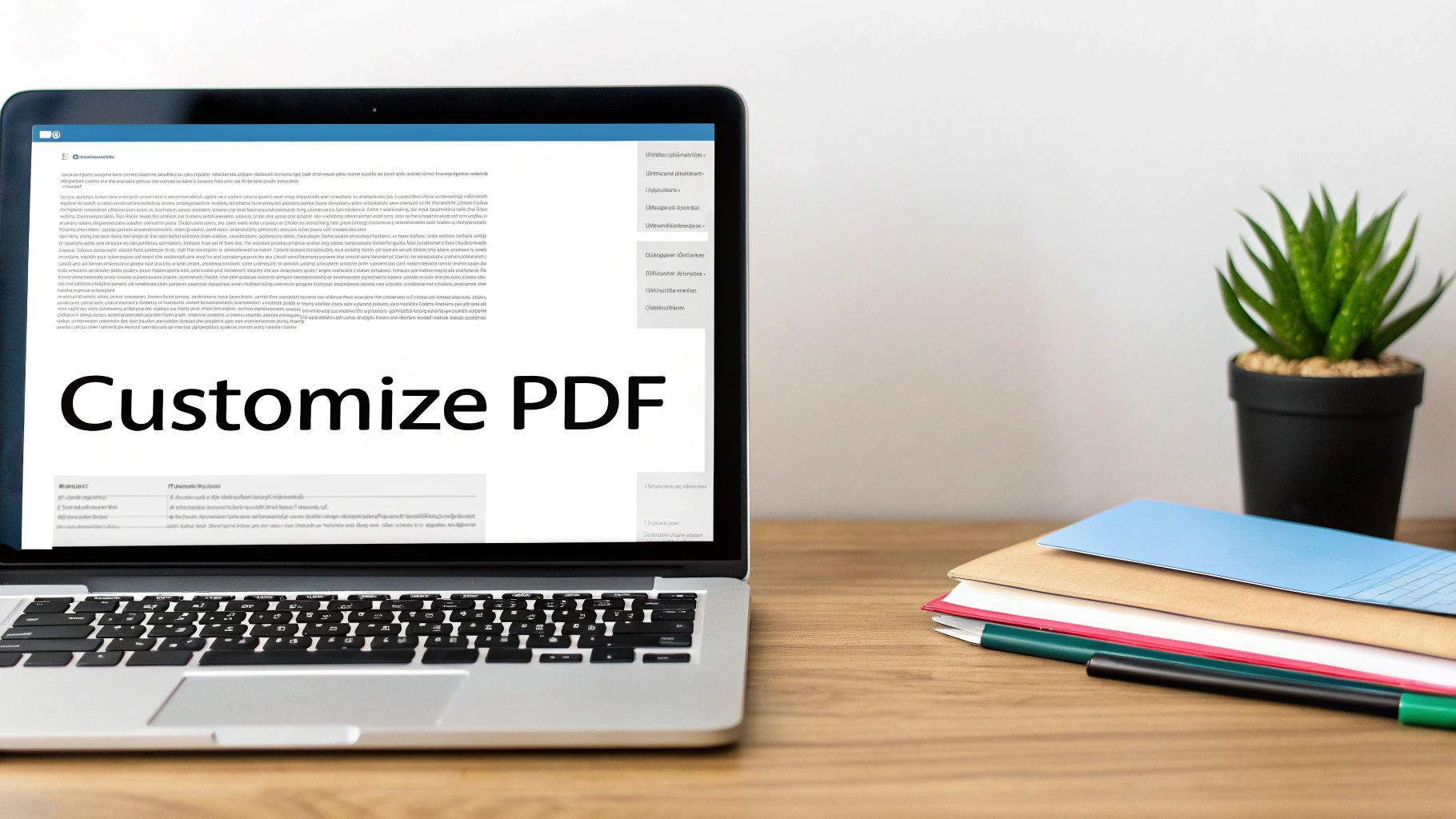
These aren’t just blank slates; they’re designed for real-world scenarios, from sending a medical referral to an urgent business invoice. Just download the one that fits your situation, and you're ready to plug in your information.
Filling Out Your Template with Free Tools
You absolutely don't need fancy, expensive software to create a great free PDF fax cover sheet. The tools you already have are probably more than capable.
Believe it or not, most web browsers like Chrome or Firefox can handle this. They have built-in PDF viewers that let you type right into the form fields. Just open the file in a new tab and click on a line to start typing. If you want a bit more control, the free version of Adobe Acrobat Reader is perfect. Its "Fill & Sign" feature is straightforward and makes the job easy.
Once you've filled in the sender and recipient details, the page count, and your message, just save a new copy. That way, your original template stays clean for the next time you need it.
Pro Tip: I always recommend saving your filled-out cover sheet with a specific file name, like "Invoice_1234_Cover_Sheet.pdf". It's a small habit that saves huge headaches later when you're trying to find a specific fax you sent.
Adding Your Brand Identity
Want to take your cover sheet from a generic form to something that truly represents your business? Add your logo. It’s a simple touch that makes a huge difference in professionalism and brand recognition.
- Using a PDF Editor: If you're working directly in a tool like Adobe Acrobat Reader or an online PDF editor, look for a function like "Add Image" or "Add Stamp." This will let you place your logo file, usually right in the header.
- Starting in Word: Many people find it easier to get the layout just right in Microsoft Word. You can open one of the templates, pop your logo in, adjust the spacing, and then just save it as a PDF. We have a complete guide on how to convert Word to PDF if you need a little help with that last step.
Think about a real estate agent sending a time-sensitive purchase offer. A branded cover sheet with the agency's logo doesn't just look official—it reinforces their professional image. The same goes for a medical clinic; adding their logo to referral forms builds consistency and trust.
No matter how you customize it, your final step should always be to save the finished document as a PDF. This locks everything in place—the layout, your fonts, the images—so it looks exactly how you designed it, no matter who opens it. Now your professional, custom cover sheet is ready to attach and send.
Sending Your Fax with an Online Service
Alright, you’ve got your document polished and your custom cover sheet ready to go. Now for the easy part: sending it. Forget dealing with a clunky old fax machine; services like SendItFax let you handle everything from your web browser in just a few clicks.
You'll start by uploading your main file—whatever it is you're sending, like an invoice, a signed contract, or a patient record. Then, simply attach your custom free pdf fax cover sheet so it becomes the very first page of the fax. This little step makes a huge difference, ensuring your professional branding is the first thing the recipient lays eyes on.
Built-In vs. Custom Cover Pages
When you use an online fax service, you'll generally have two options for the cover page. You can either type a quick message into a field and let the service generate a basic cover sheet, or you can upload your own. The built-in option works fine if you're just sending a quick, informal note to a colleague.
But let's be honest, for any communication that matters, attaching your own branded PDF is the way to go. It keeps your branding consistent and includes all those specific fields and disclaimers you took the time to create. If you want a full breakdown of the process, our guide on how to send a fax online has you covered.
Free vs. Paid Service Considerations
So, should you go with a free or paid service? It really boils down to how often you send faxes and how professional you need to look. Free options are great for sending a one-off document here and there, but they come with a few catches.
- Branding: Free services, SendItFax included, will typically place their own logo or branding on the cover sheet.
- Page Limits: You'll usually find a cap on how many pages you can send for free. SendItFax, for instance, lets you send up to three pages plus a cover.
- Delivery Speed: Sometimes, paid faxes are prioritized in the queue, which can be a lifesaver for time-sensitive documents.
Stepping up to a paid plan, even a simple pay-per-fax option like the Almost Free tier from SendItFax, gets rid of their branding and bumps up your page limits. It’s a small investment that pays off by ensuring every fax you send looks completely professional—a must-have for any important business, legal, or medical correspondence where first impressions count.
Best Practices for Faxing Sensitive Information
Faxing is still the go-to method for sending a lot of confidential or legally binding documents. When you're dealing with high-stakes information, a few key habits can make all the difference in keeping that data private and staying compliant. Think of your free pdf fax cover sheet as the first line of defense in your security strategy.
It’s easy to see the cover sheet as just a routing slip, but it's really your first chance to signal that the documents attached are sensitive and need to be handled carefully.
The Non-Negotiable Confidentiality Notice
If you're faxing anything with private data, a confidentiality notice is absolutely essential. This is a short legal statement that makes it crystal clear the fax is intended only for the person it’s addressed to and that the information is privileged. It also tells anyone who might receive it by mistake exactly what they need to do, which protects both you and your client.
In fields like healthcare or finance, this isn't just a good idea—it's standard operating procedure. It’s a simple way to show you’re taking the necessary steps to protect sensitive information and is a cornerstone of complying with regulations like HIPAA.
Adding this notice takes seconds but adds a serious layer of legal protection. If you’re regularly handling patient information, it’s worth diving deeper into what makes a HIPAA compliant fax cover sheet.
Simple Habits for Secure Transmissions
Beyond what’s on the page, a couple of real-world habits can prevent some surprisingly common—and costly—mistakes. These are the little things that seasoned professionals do every single time.
- Always double-check the recipient's fax number. It sounds obvious, but it's incredible how often a single wrong digit sends private data to a complete stranger. Just take five extra seconds to verify the number before you hit send.
- Make a quick follow-up call. A brief call to the recipient to confirm they got the fax is the perfect way to close the loop. It gives you peace of mind and ensures your document is securely in the right hands.
These small, deliberate steps are what truly safeguard sensitive data and maintain the trust you've built with your clients and partners.
A Few Common Questions About PDF Fax Cover Sheets
Even with a great template, a few questions always seem to pop up. Making a free pdf fax cover sheet is pretty simple, but let's walk through some of the common hurdles so you can send your next fax without a second thought.
Getting these details right from the start helps you avoid easy mistakes and makes sure your documents get to the right person, the right way.
Can I Fill Out a PDF Fax Cover Sheet Without Fancy Software?
You sure can. You don't need to buy anything to fill out a PDF template.
Modern web browsers like Chrome and Firefox have built-in PDF readers that let you click into form fields and type. It's quick and easy. If you want a bit more functionality, a free tool like Adobe Acrobat Reader has a "Fill & Sign" feature that's perfect for the job.
Need to add a logo or make bigger changes? Use a free online design tool to build your template and then just save it as a PDF.
Is a Fax Cover Sheet Actually Required by Law?
This is a common point of confusion. For most everyday faxes, no, it's not a legal requirement. But it is always a professional best practice.
Where it becomes non-negotiable is in regulated fields like healthcare (think HIPAA compliance) or finance. Here, a cover sheet isn't just a good idea—it's a critical tool for protecting sensitive information.
The cover sheet acts as an instruction manual for the recipient and creates a clear paper trail. For anyone handling confidential data, it’s an essential part of showing due diligence and a commitment to privacy.
Will My Custom Cover Sheet Count Against My Page Limit?
Excellent question. The answer really depends on your fax service.
When you use the generic, auto-generated cover page provided by an online fax platform, it typically does not count toward your page limit.
However, if you design your own beautiful PDF cover sheet and upload it as the first page of your document, it almost always will count as page one. It's always smart to double-check your service's policy, especially if you're on a plan with a tight page limit.
What's the Best File Format for My Cover Sheet?
PDF is the undisputed champion here. There's no better format.
Saving your template as a PDF locks in all your formatting, fonts, and images. It guarantees that what you see on your screen is exactly what the recipient sees on theirs, no matter what device they're using.
It’s a universal standard that every online fax service accepts, and just as importantly, it prevents the recipient from accidentally changing anything. Your document stays professional and secure.
Ready to send your fax with a polished, custom cover sheet? With SendItFax, you can upload your documents and send them securely in just a few minutes, with no account required. Try SendItFax today for fast and reliable online faxing.
Related Posts
Fax Cover Sheet to IRS: How to Send It Right
MS Office Fax Cover Sheet Template: Create and Customize